
 Crawvix Editorial Team
· Published October 28, 2026 · Last updated October 27, 2026 · 3 min read
Crawvix Editorial Team
· Published October 28, 2026 · Last updated October 27, 2026 · 3 min read
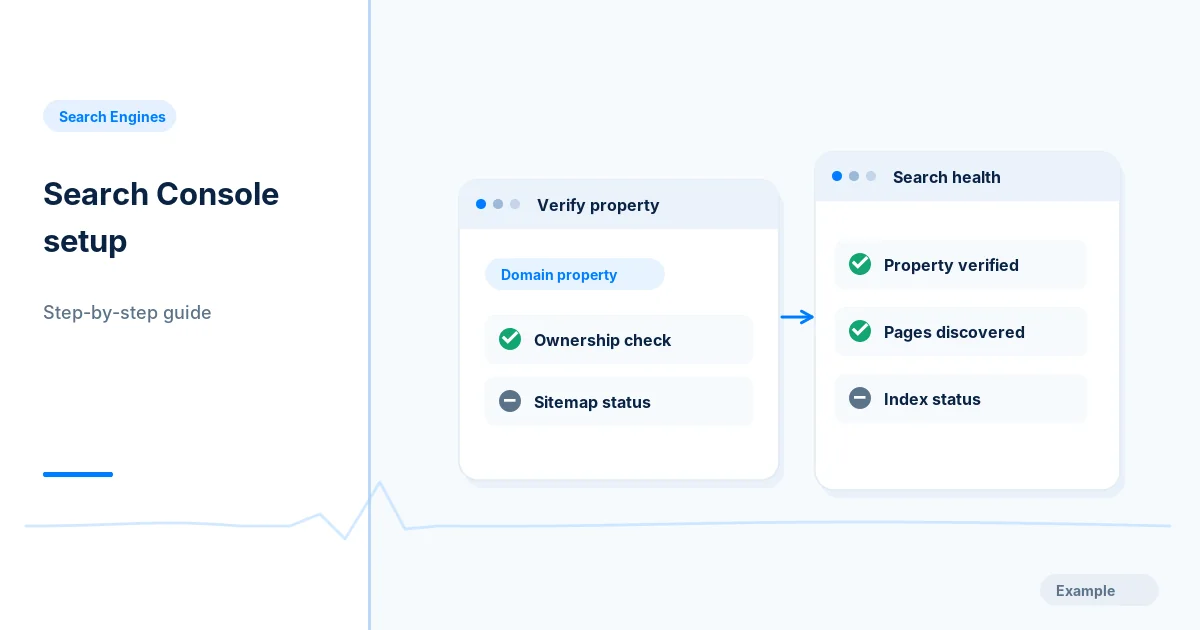
Google Search Console is the control room for discovering whether Google can access, index, and understand your important pages. Follow this setup before diagnosing individual URLs.
Before you begin
You will need access to the website or account involved, a list of important public URLs, and permission to make the relevant changes. Save a backup of configuration before editing DNS, server rules, source code or search settings. A successful check means the specified condition was verified—not that Google or Bing will index or rank the page.
Step-by-step instructions
Step 1: Choose the right property
Open Google Search Console, select Add property, and choose a Domain property when you control DNS. A Domain property covers HTTP/HTTPS and subdomains; a URL-prefix property only covers its exact prefix. Record which scope you chose.
What success looks like: The property selector shows the intended domain, not only a forgotten www or http variant.
Step 2: Prove domain ownership
For a Domain property, copy the TXT verification value, open your DNS host and add the TXT record without changing other records. Wait for propagation, then select Verify. If using a URL-prefix property, choose one supported verification method and follow the exact presented instructions.
What success looks like: Search Console identifies the property as verified. DNS propagation can require patience.
Step 3: Check the home page
Use URL Inspection on the preferred homepage URL. Read the indexed-version report, canonical result and crawl information. Use Test Live URL separately when you need to assess the current live page.
What success looks like: You can explain whether this is indexed-version information or a live inspection result.
Step 4: Submit a clean sitemap
Open Sitemaps and submit the absolute sitemap URL or relative path for the verified property. Verify it returns valid XML and contains only preferred canonical indexable pages.
What success looks like: The Sitemaps report displays a submission and later reports its processing status; submission is not indexing.
Step 5: Create a monitoring routine
Review Page indexing, Sitemaps, Core Web Vitals, Performance and Security issues. Save a baseline date and record urgent URLs. Check after meaningful website releases instead of submitting unchanged files repeatedly.
What success looks like: You have a repeatable checklist and can distinguish actual issues from normal search processing delays.
Final verification checklist
The property selector shows the intended domain, not only a forgotten www or http variant.
Search Console identifies the property as verified. DNS propagation can require patience.
You can explain whether this is indexed-version information or a live inspection result.
The Sitemaps report displays a submission and later reports its processing status; submission is not indexing.
You have a repeatable checklist and can distinguish actual issues from normal search processing delays.
Common mistakes to avoid
DNS record placed in the wrong zone or host.
Mixed www and non-www properties produce incomplete expectations.
Assuming a submitted sitemap proves Google indexed its URLs.
Frequently asked questions
Do I need both property types?
Not usually. A Domain property is convenient for whole-domain ownership, while specific URL-prefix properties can still be useful for diagnostics.
Can Search Console force indexing?
No. It can report eligibility and accept signals, but Google decides whether and when a page belongs in its index.
Related guides
Official references
Next step: See how Crawvix checks a website and capture a baseline once scanning opens. This guide provides technical information, not a guarantee of rankings, 100-point Lighthouse scores or index inclusion.