 Accessibility · 2 min read
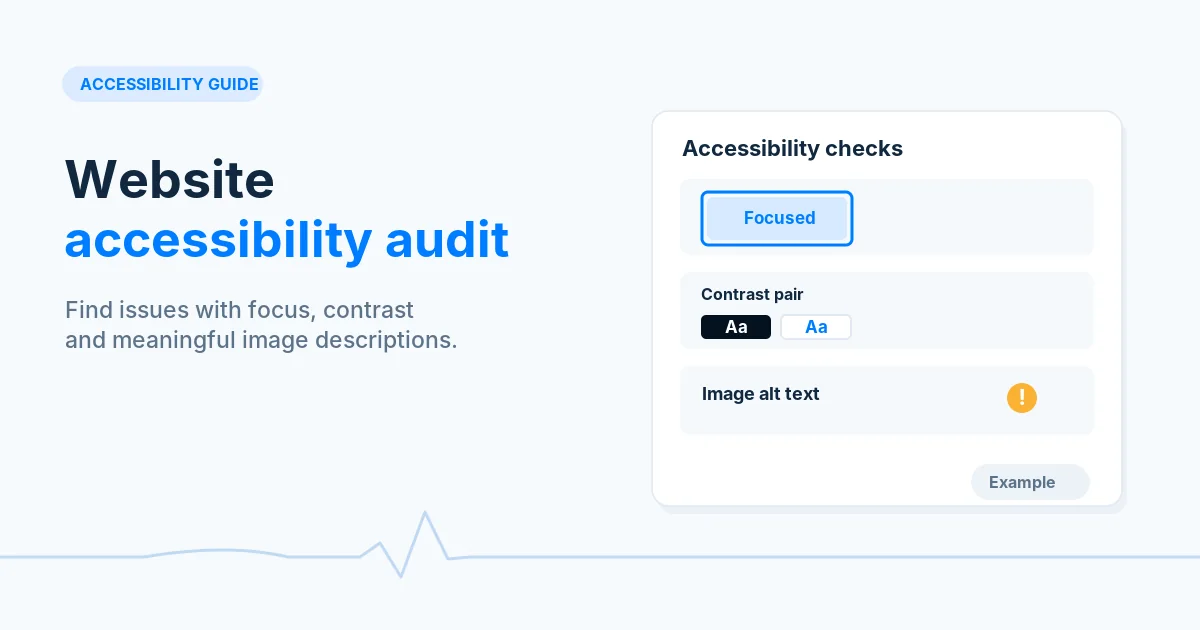
Website Accessibility Audit: Fix the Most Common Problems
Run automated checks, then test keyboard use, labels, headings, contrast and zoom by hand to find and fix common accessibility problems on your pages.

Practical, step-by-step website launch and SEO health guides.
Showing 1 to 24 of 133 guides (page 1 of 6)
Accessibility · 2 min read
Run automated checks, then test keyboard use, labels, headings, contrast and zoom by hand to find and fix common accessibility problems on your pages.
 Crawlability · 9 min read
Learn what 301, 302, 307 and 308 redirects mean, how Google treats permanent and temporary redirects, and how to pick and test the right one.
Crawlability · 9 min read
Decide whether a deleted page should return 404, 410 or a 301 redirect, see how Google treats each, and configure and test the response on your server.
Crawlability · 10 min read
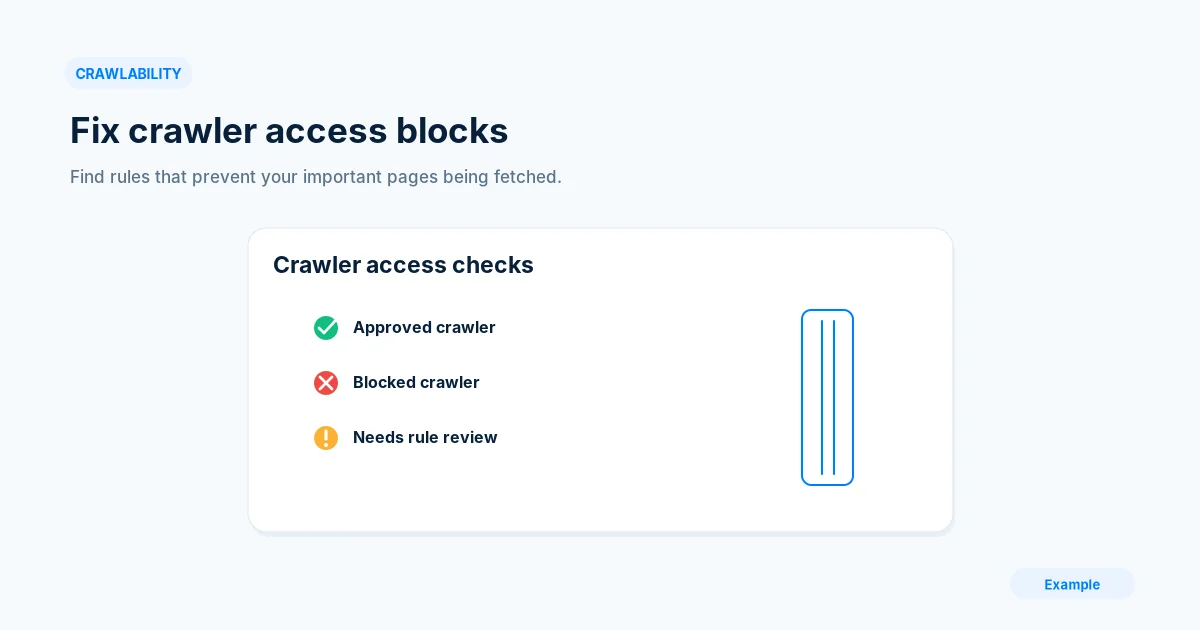
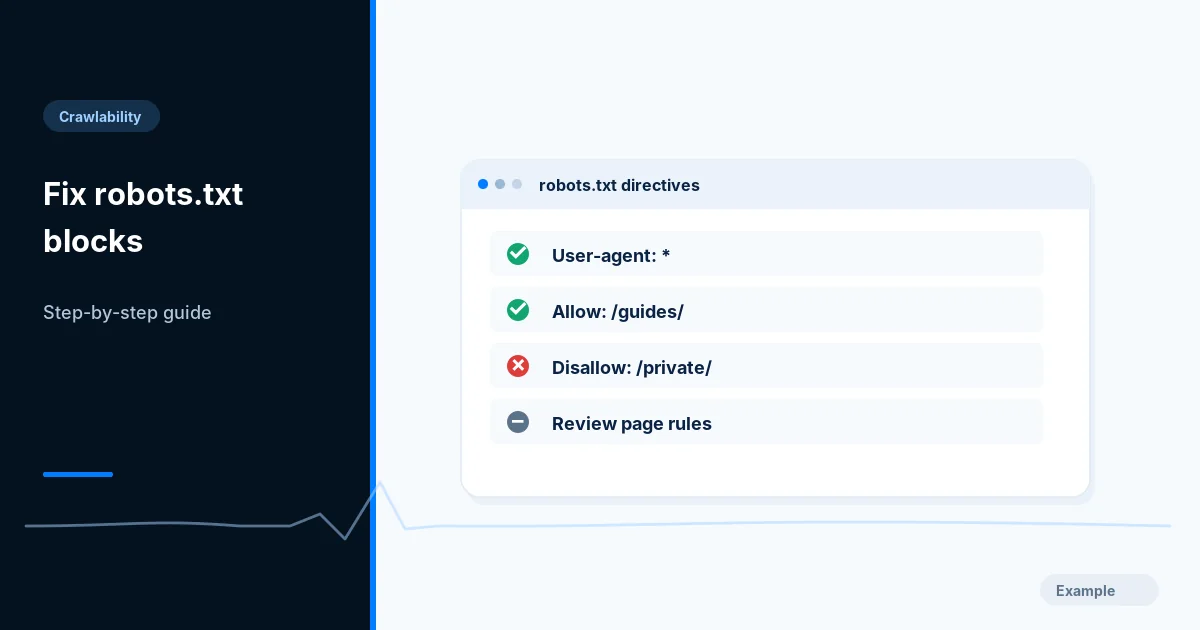
Find which robots.txt rule triggers the Blocked by robots.txt status, decide if the block is intended, edit the file safely and validate the fix.
Crawlability · 3 min read
Find out whether Cloudflare is challenging real Googlebot or Bingbot, verify the crawler, then make the smallest rule change that restores access.
Crawlability · 9 min read
Understand crawl capacity and crawl demand, decide whether crawl budget affects your site, and use Crawl Stats to remove wasted URL requests.
Crawlability · 8 min read
Build a custom 404 page that helps visitors recover, returns a real 404 status code, and is configured correctly on nginx, Apache and ASP.NET Core.
Crawlability · 10 min read
Decide which filter and parameter URLs deserve to be crawled, block or consolidate the rest, and return clean 404s for empty combinations.
Crawlability · 2 min read
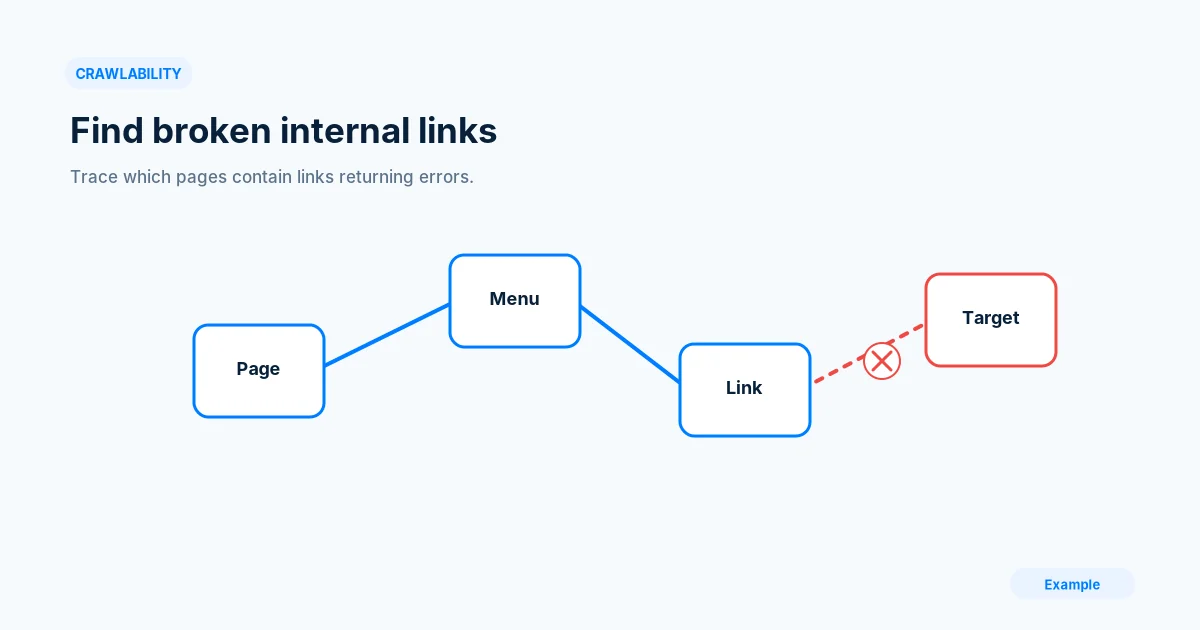
Crawl your public pages, trace each broken internal link to its source or shared template, then fix it at the source and re-crawl to confirm.
Crawlability · 2 min read
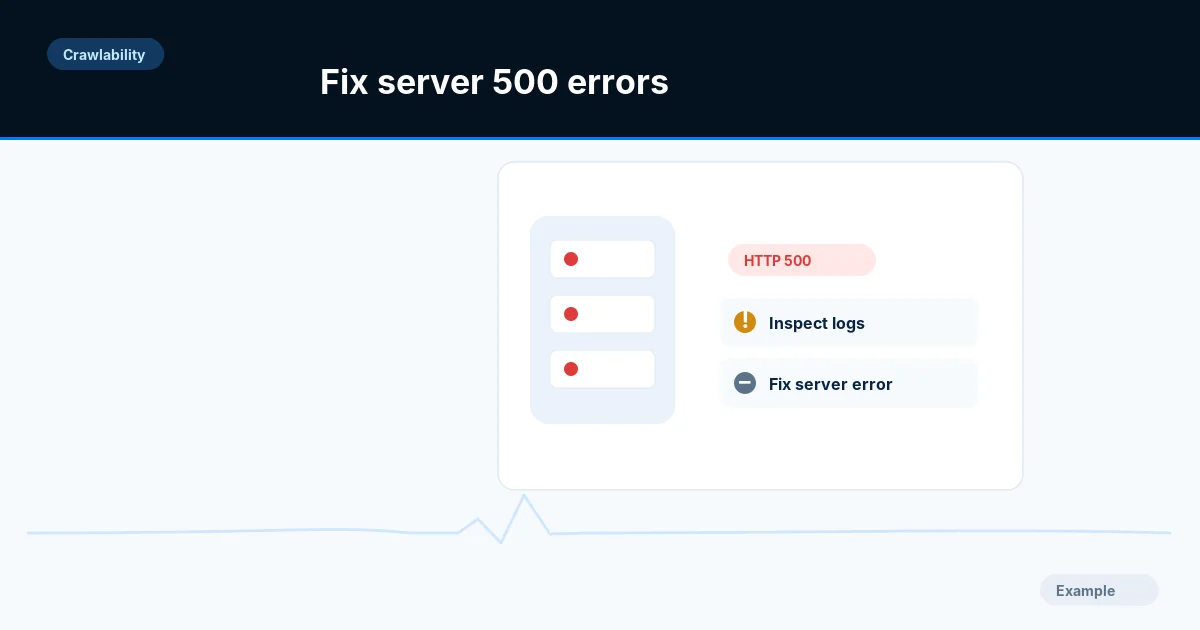
Reproduce 500 and 503 errors on the failing URL, trace them in server logs, fix the shared cause and confirm crawlers and visitors get normal pages.
Crawlability · 9 min read
Find your server access logs, filter and verify Googlebot and Bingbot requests, and read status codes, wasted crawls and errors with simple commands.
Crawlability · 10 min read
Learn the difference between noindex and robots.txt, pick the right one for each page, and avoid the common mistake of using both on the same URL.
Crawlability · 10 min read
Compare your sitemap, CMS and crawl to find orphan pages, then decide whether to link, merge, redirect or remove each one, and verify the result.
Crawlability · 9 min read
Give every page of a long list its own URL, link the pages with real anchors, set the right canonical tags and test the result in Search Console.
Crawlability · 2 min read
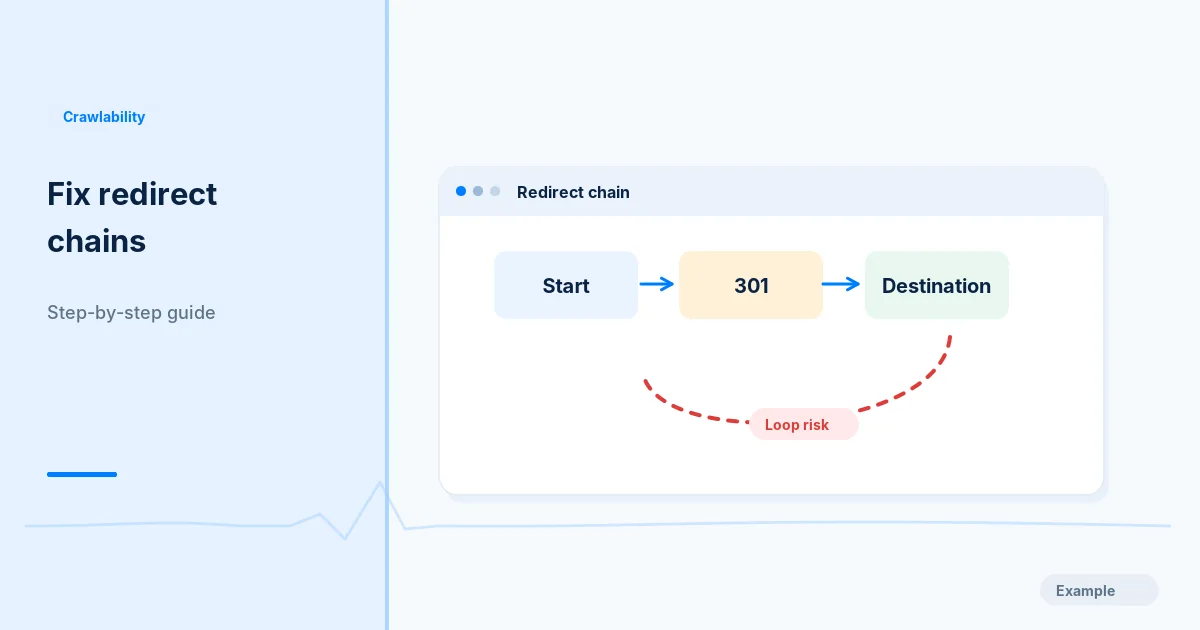
Trace every hop of a redirect, find which layer adds each rule, and point old URLs straight to one final address, then update links and sitemaps.
Crawlability · 3 min read
Read your live robots.txt, test key URLs against its rules, tell a crawl block from a page-level exclusion, and repair an accidental block narrowly.
Crawlability · 9 min read
Group pages into clear sections, keep important pages a few clicks from home and set stable, readable URL rules before a site goes live.
Crawlability · 8 min read
Check whether a request claiming to be Googlebot or Bingbot is genuine using reverse and forward DNS lookups, published IP ranges and safe blocking rules.
Crawlability · 8 min read
Pick www or the bare domain, redirect the other with a 301, align canonicals, sitemaps and Search Console, and test all four host and protocol variants.
Crawlability · 10 min read
Add an X-Robots-Tag header on Apache, Nginx or IIS to keep PDFs, images and other non-HTML files out of search results, then verify it with curl.
 Email Deliverability · 7 min read
Publish one valid SPF record, stay within the 10 DNS lookup limit and end the record correctly, with troubleshooting and sources to verify.
Email Deliverability · 6 min read
Find out which blocklist lists your sending IP or domain, fix the cause first, then request removal through the list's own process.
Email Deliverability · 7 min read
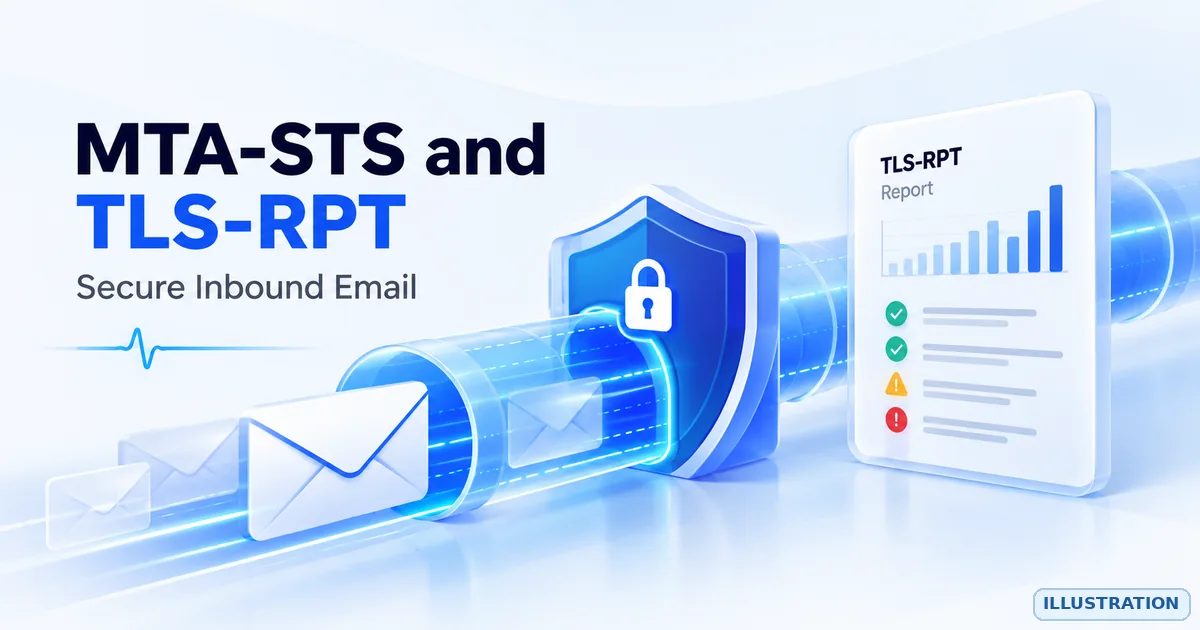
Publish an MTA-STS policy and a TLS-RPT record to protect inbound email in transit, rolling out in testing mode first, with sources to verify.
Email Deliverability · 7 min read
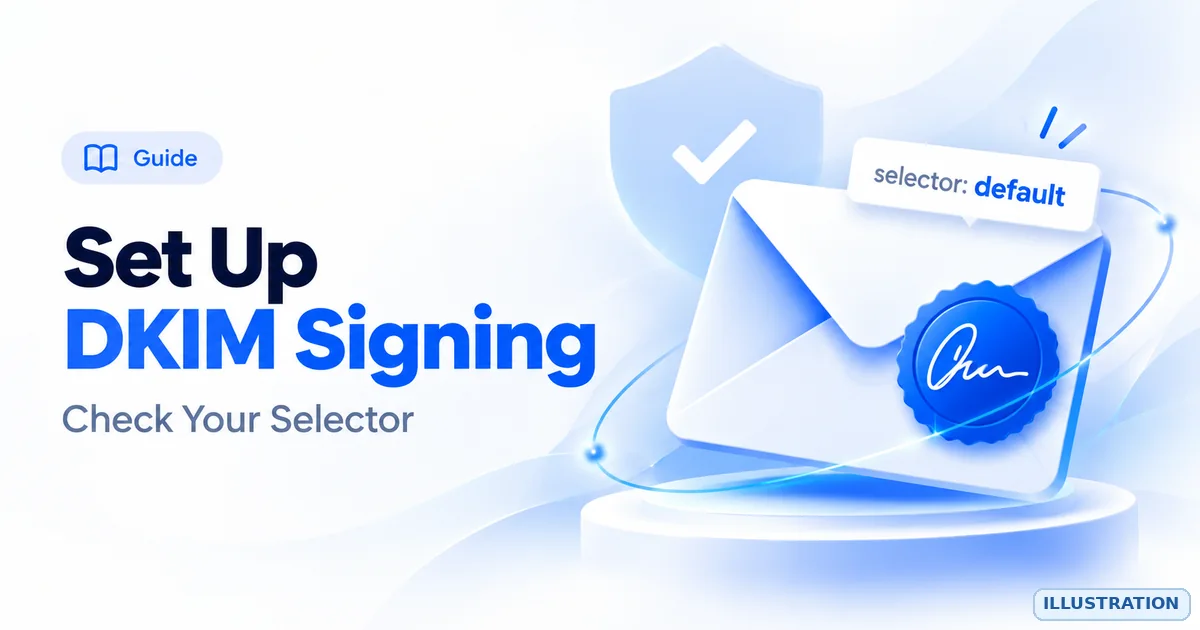
Turn on DKIM signing, publish the selector key in DNS, use a strong key and confirm with a real message, with troubleshooting and sources.