 Performance · 9 min read
Brotli and Gzip Compression: Turn It On and Verify It
Turn on Brotli or gzip for HTML, CSS and JavaScript, choose the right file types and levels, and verify the Content-Encoding and Vary headers with curl.

Practical, step-by-step website launch and SEO health guides.
Showing 1 to 24 of 25 guides in Performance (page 1 of 2)
Performance · 9 min read
Turn on Brotli or gzip for HTML, CSS and JavaScript, choose the right file types and levels, and verify the Content-Encoding and Vary headers with curl.
Performance · 9 min read
Set Cache-Control headers so browsers and CDNs reuse static files, keep HTML fresh, avoid stale CSS and personal pages in shared caches, and verify the result.
Performance · 10 min read
Set up a CDN for speed, choose what to cache, keep Googlebot and Bingbot able to crawl, and verify cache headers, status codes and bot access afterwards.
Performance · 9 min read
Learn what the three Core Web Vitals measure, the good and poor thresholds, why field and lab numbers differ, and how to read your results and plan fixes.
Performance · 8 min read
Understand how the Search Console Core Web Vitals report groups URLs, why it shows no data, and how to rank fixes and track them over a 28-day window.
Performance · 10 min read
Learn when critical CSS is worth the effort, how to extract above-the-fold styles, inline them in the head, load the rest later and test for flashes.
Performance · 10 min read
Compare Lighthouse lab results with Chrome UX Report field data, understand why they differ metric by metric and decide which one to act on.
Performance · 3 min read
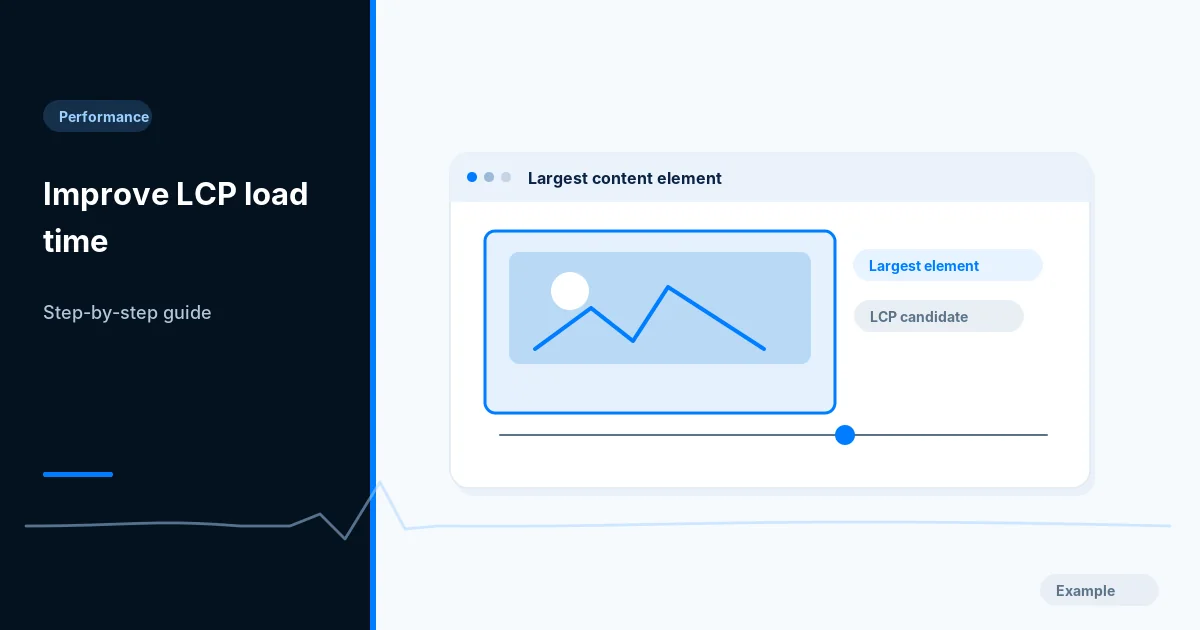
Identify your page's LCP element, then fix slow server response, late discovery and oversized images, and retest in lab and field data on mobile.
Performance · 9 min read
Choose the right font-display value, preload key fonts, subset to WOFF2 and match fallback sizes so web fonts load fast without text jumping on screen.
Performance · 9 min read
See what HTTP/2 and HTTP/3 change, check which protocol your site uses with DevTools and curl, turn them on safely and know what they will not fix.
Performance · 2 min read
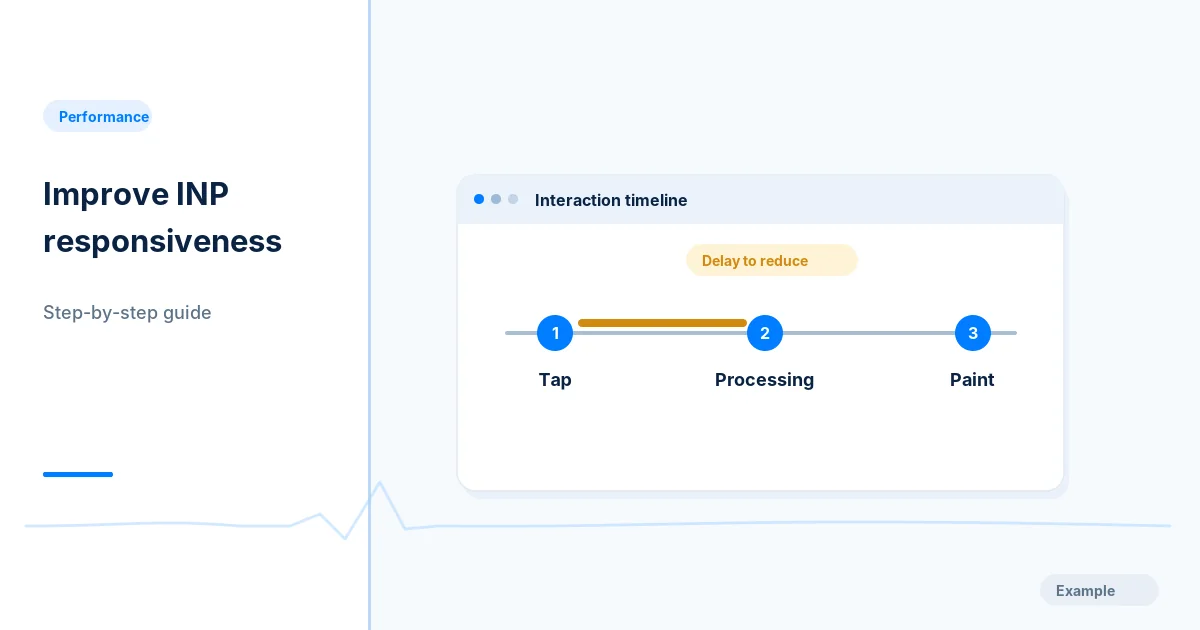
Find which clicks, taps and keystrokes feel slow, trace the long JavaScript tasks behind them, shorten the work and recheck INP on real devices.
Performance · 2 min read
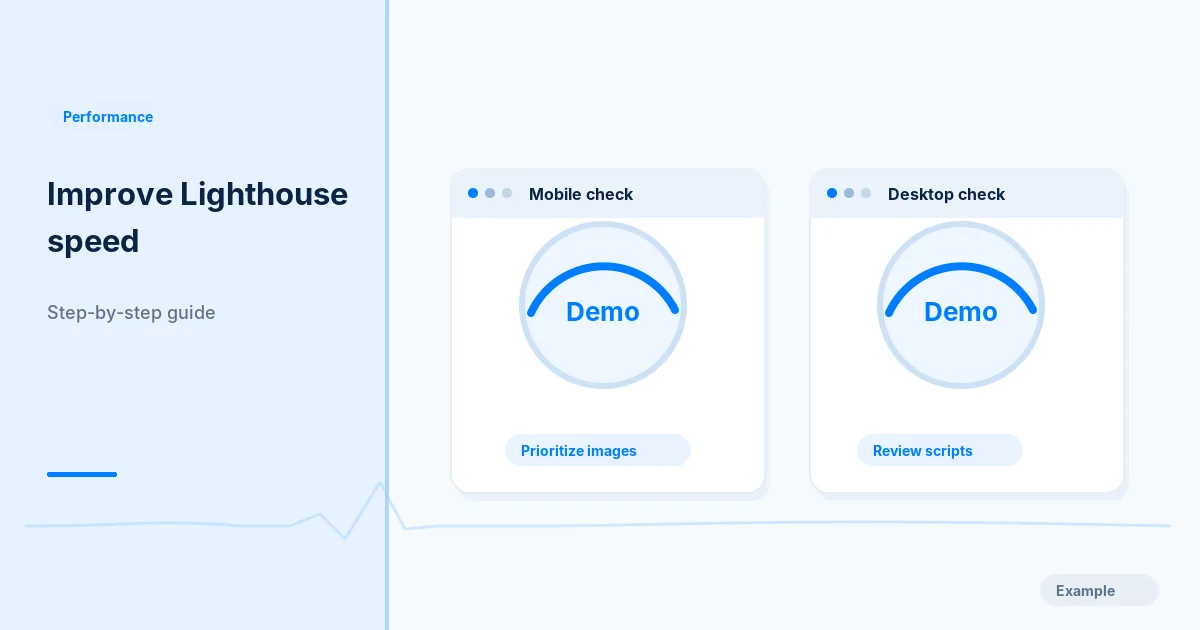
Set a repeatable Lighthouse baseline, find the main bottleneck, make small safe fixes and compare repeated runs without breaking your site.
Performance · 11 min read
Defer YouTube video and map iframes with loading=lazy, reserve space to avoid layout shift, add a click-to-load facade and test what Google can see.
Performance · 8 min read
Lazy-load below-the-fold images with the native loading attribute, keep above-the-fold and LCP images eager, and test that Google still sees them.
Performance · 10 min read
Set up Lighthouse CI in your build, write a lighthouserc file with assertions and size budgets, and fail pull requests that slow the site down.
Performance · 2 min read
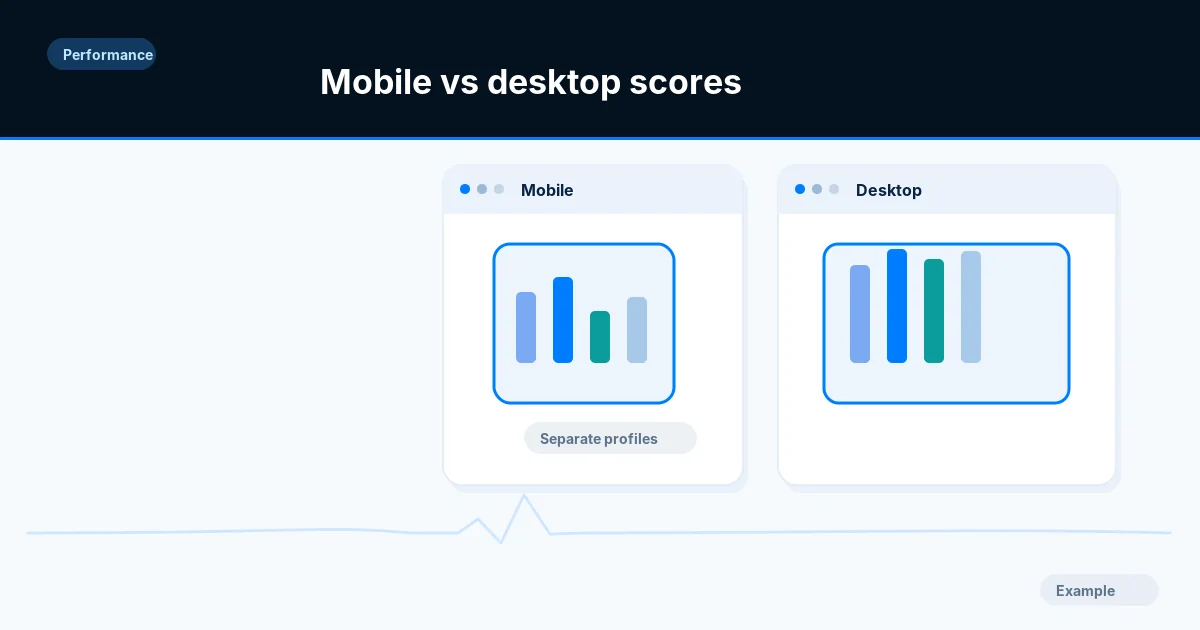
Learn why the mobile Lighthouse score is usually lower than desktop, then compare like-for-like runs and fix oversized images, scripts and slow requests.
Performance · 9 min read
Set the viewport meta tag, size and space tap targets, stop horizontal scrolling and keep text readable and zoomable, with tests you can run on a phone.
Performance · 10 min read
Check that your mobile pages carry the same content, links, structured data and robots rules as desktop, and test them with Search Console and DevTools.
Performance · 2 min read
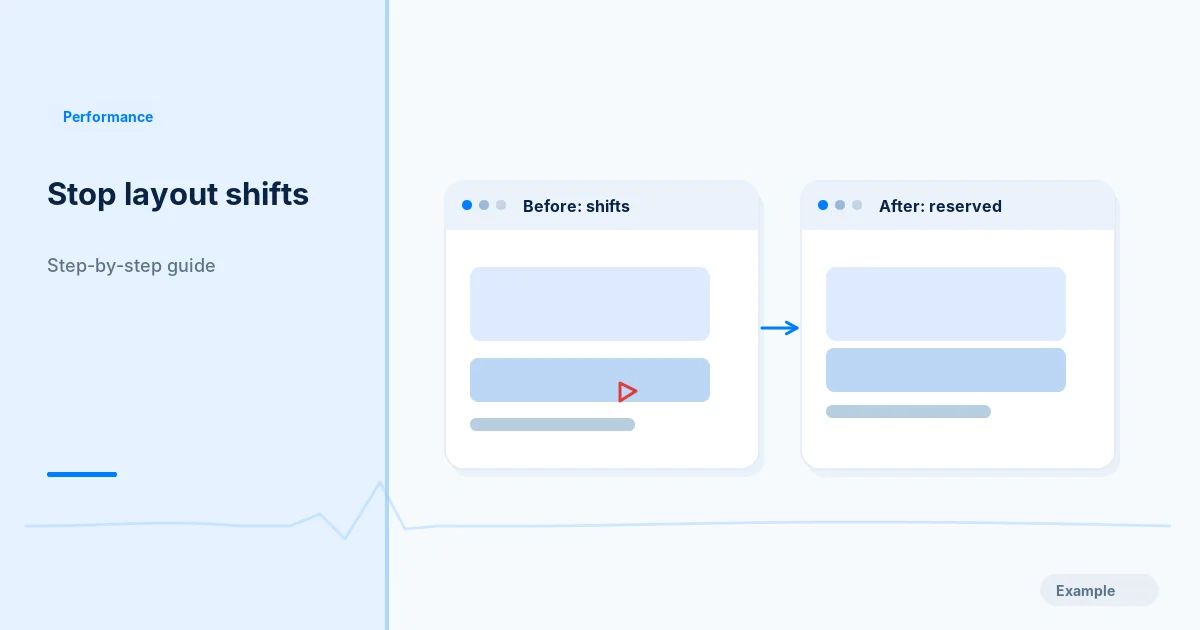
Find what makes your page jump while it loads, then reserve space for images, embeds, banners and fonts and retest CLS on mobile and desktop.
Performance · 10 min read
Find what fills your JavaScript bundle, remove unused code, split by route with dynamic import, and check the result with Lighthouse and DevTools.
Performance · 2 min read
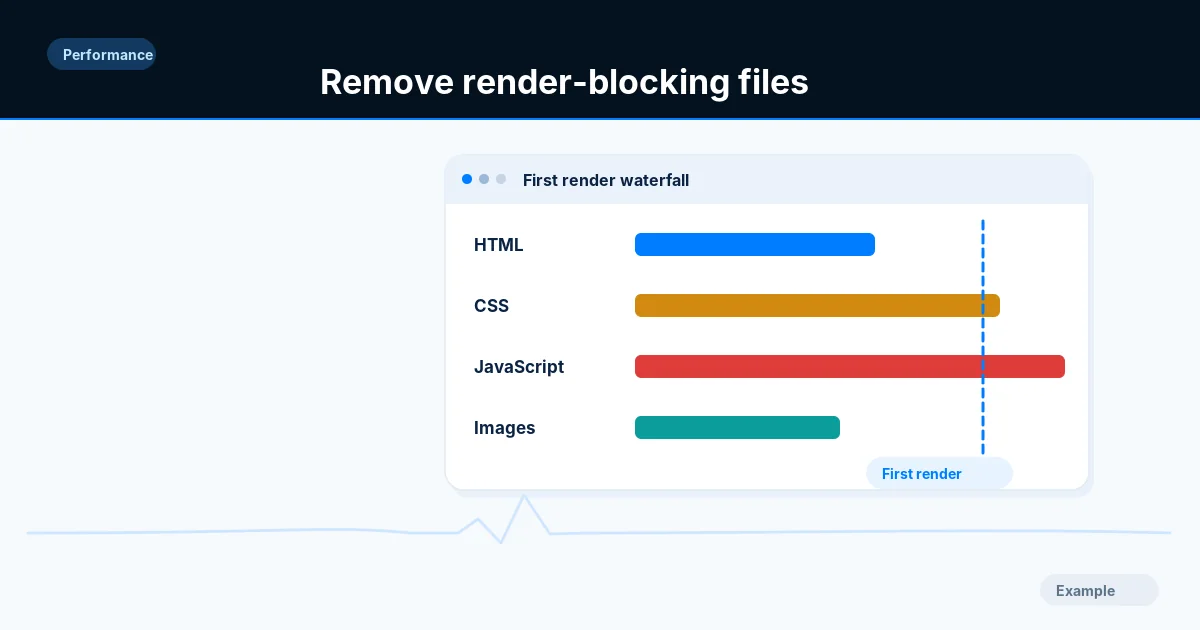
Identify the CSS and scripts that delay first paint, split critical from optional code, apply defer or async where safe and test menus and forms.
Performance · 11 min read
Write srcset and sizes correctly, use picture for art direction and formats, set width and height, and verify that phones download smaller files.
Performance · 9 min read
List every third-party tag, chat widget and ad script, measure what each costs your page, then remove, delay or isolate the ones that slow it down.
Performance · 10 min read
Measure time to first byte, split it into redirect, connection and server time, then cut each part with caching, fewer redirects and faster back-end work.