 Indexing · 9 min read
Alternate Page With Proper Canonical Tag: What It Means
Read the Alternate page with proper canonical tag status, confirm the canonical URL is the one you want indexed, and spot pages tagged by mistake.

Practical, step-by-step website launch and SEO health guides.
Showing 1 to 10 of 10 guides in Indexing
Indexing · 9 min read
Read the Alternate page with proper canonical tag status, confirm the canonical URL is the one you want indexed, and spot pages tagged by mistake.
Indexing · 2 min read
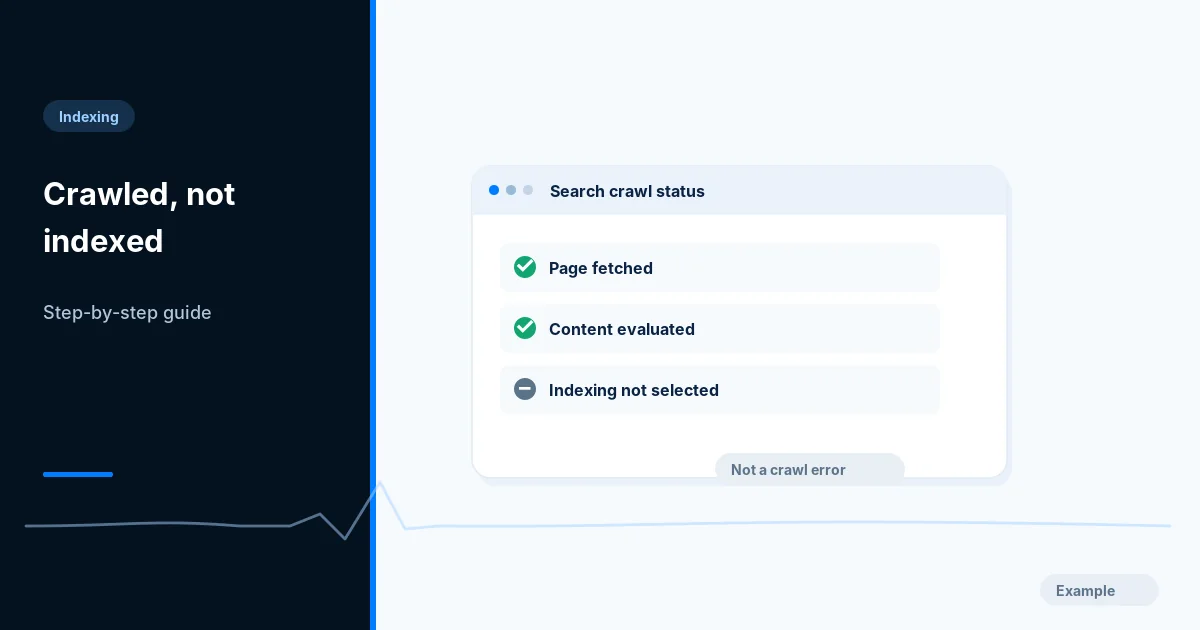
Understand the Search Console status where Google fetched a page but did not index it, and check eligibility, near-duplicates and page usefulness.
Indexing · 10 min read
Learn when a cross-domain canonical helps, why Google advises noindex for syndication partners, and how to set up and check both on your own pages.
Indexing · 2 min read
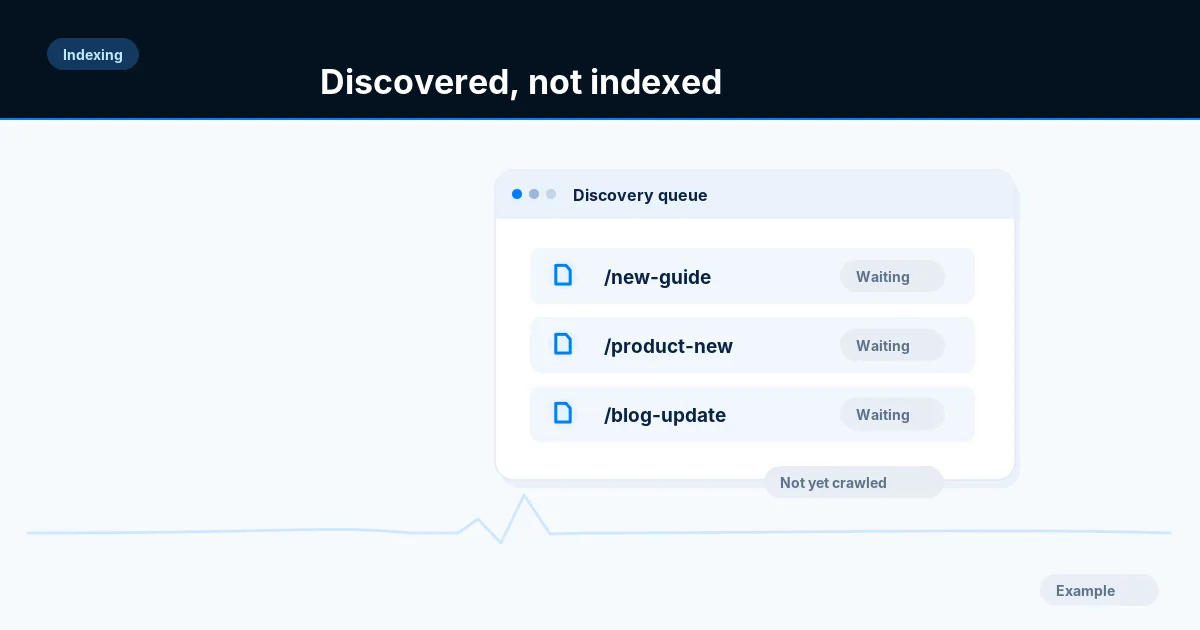
Work out why Google lists a URL as discovered but not yet crawled: check server errors, internal links, sitemap membership and wasted duplicate URLs.
Indexing · 9 min read
Fix the Duplicate without user-selected canonical status by choosing a preferred URL, declaring it, and making redirects, links and sitemaps agree.
Indexing · 9 min read
Find where an Excluded by noindex tag status comes from, check meta tags, headers, CMS settings and scripts, remove it safely and ask Google to recheck.
Indexing · 2 min read
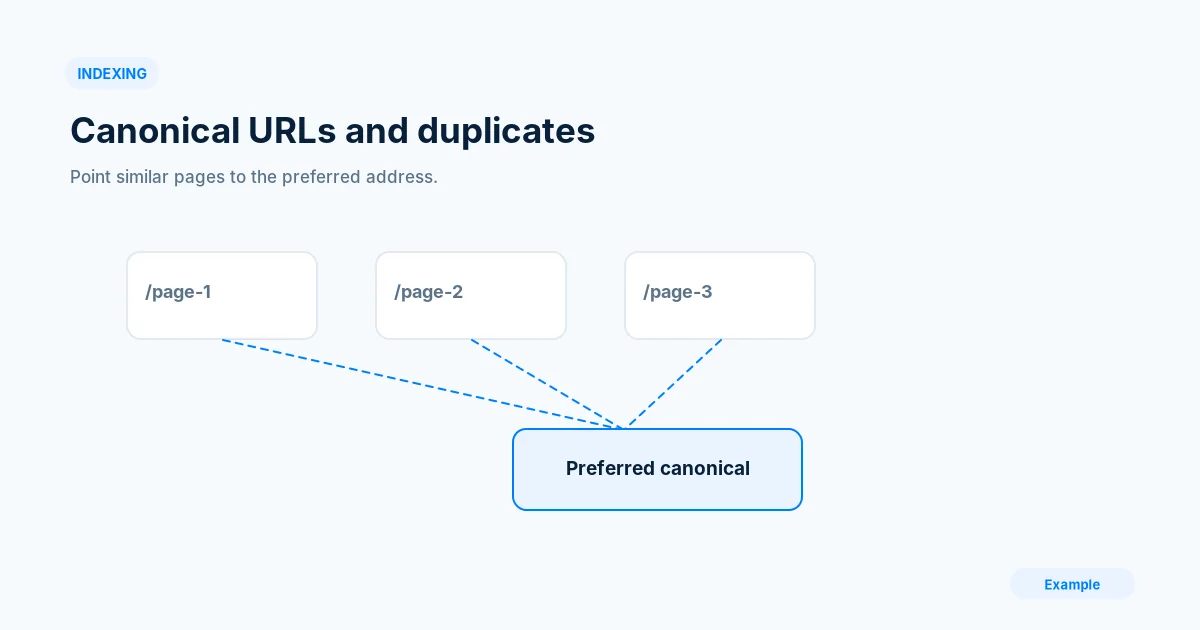
Map your duplicate URL variants, choose one preferred address and make canonical tags, redirects and sitemaps agree, then check what Google selected.
Indexing · 9 min read
Learn what the Page with redirect status means, which redirected URLs are fine, and how to clean up links, sitemaps and chains that cause it.
Indexing · 9 min read
Choose the right way to remove a URL from Google Search: the Removals tool, a 404 or 410, noindex or a password, plus what to do for pages you do not own.
Indexing · 10 min read
Find soft 404 pages in Search Console, test what your server really returns, and fix them with a true 404, richer content or a SPA workaround.