Website launch checks and fixes

Find what holds your website back. Fix it, step by step.

Crawvix gives you a numbered launch plan, 115 checks in 10 areas, and plain-English fixes with copy-and-paste recipes for your platform.

Open now: the guides and the free sample for sites you own. Full scans, the Launch Plan and monitoring are part of the paid plans. Plans open soon. Accounts are open, but checkout is not open yet. Email info@crawvix.com and we will tell you when it is.

  • Evidence for every check, not just a score
  • Crawvix never changes your site by itself
  • Fix recipes for 6 platforms and any other host
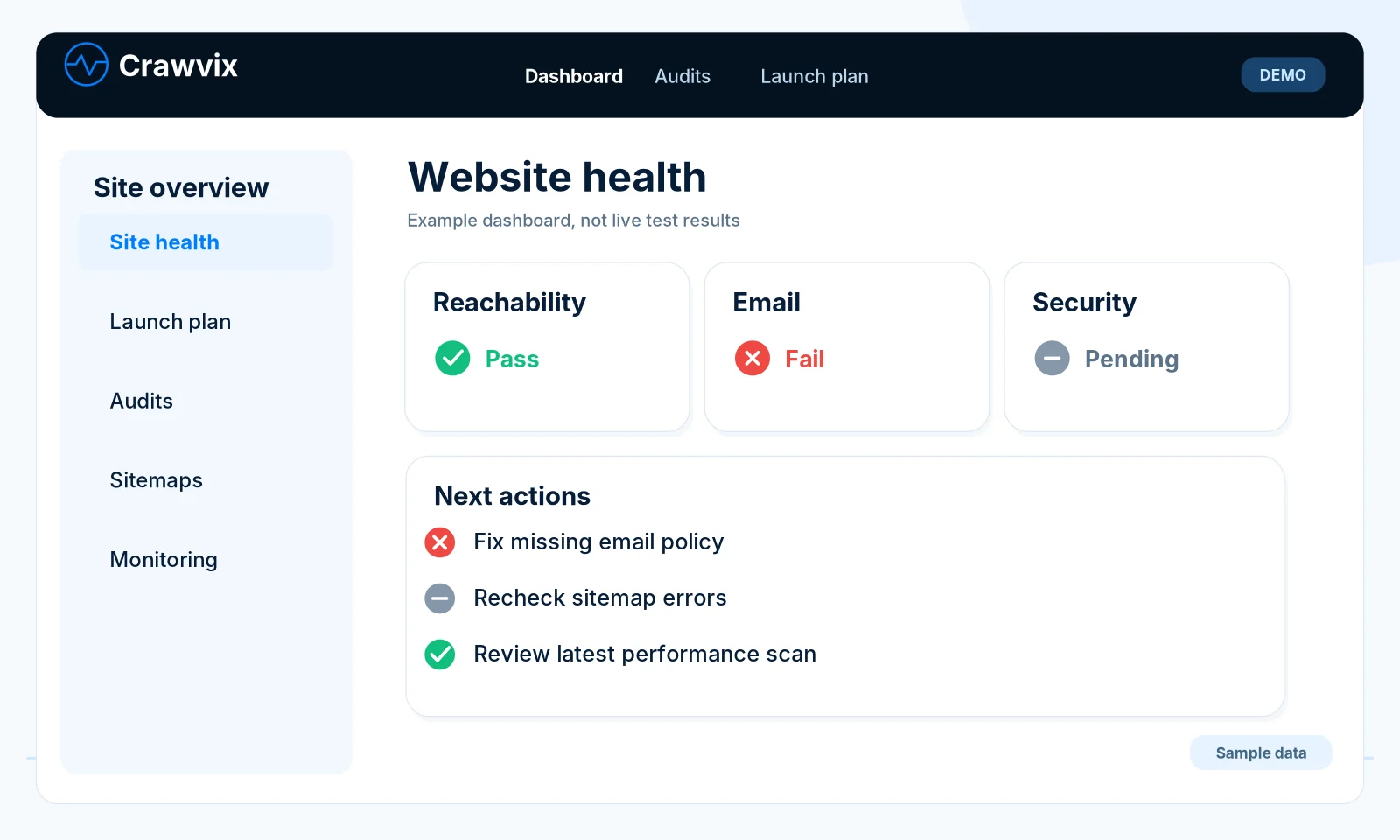
Illustration of the Crawvix dashboard: website health cards for reachability, email and security, and a list of next actions. Sample data, not a real result.
71%
Site Health 5 of 7 checks verified SAMPLE DATA
Recheck passedOne DMARC record found at _dmarc.example.com.Example, sample data
  • 133step-by-step guides, open to everyone
  • 117copy-and-paste fix recipes by platform
  • 115checks in 10 areas, arranged into a 4-phase Launch Plan

See a scan do its work SAMPLE DATA

An example scan of a made-up site, example.com. It shows the real kinds of checks and findings, with invented results. On screens that allow motion it plays by itself and repeats.

Example scan example.com SAMPLE DATA

Example scan of example.com with sample data. Seven checks run. At first 3 of 7 are verified. Two findings are fixed and rechecked: the sitemap lists a page that returns 404, and there is no DMARC record. After that 5 of 7 are verified, 71 percent. Two checks still need work: mobile performance and the Content-Security-Policy header.

SAMPLE DATA Everything in this panel is an invented example of a made-up site. It is not a real customer's result and no real site was scanned.

Want a real one?

Prove that a website is yours and see how many of its checks pass, with up to three findings. We never scan a site you have not proved you own.

Try the sample on a site you own

Fix it, then prove it EXAMPLE

Every finding comes with the evidence we found. After you fix it, you press Check it and the same check runs again. Here is one example, a missing DMARC record.

Before: failing

DMARC record is published

Email deliverability

Finding No DMARC record found at _dmarc.example.com.

Why it matters DMARC lets you tell Gmail, Yahoo and Microsoft what to do with mail that fails SPF and DKIM, and it is required for bulk senders. Without it, anyone can spoof your domain more easily.
The fix

Publish a DMARC record

Fix recipe · about 20 to 40 minutes · Medium risk: take a backup first

Add one TXT record named _dmarc at your DNS host. A first value that only monitors:

v=DMARC1; p=none; rua=mailto:dmarc-reports@example.com

After: recheck passed

DMARC record is published

Email deliverability

Evidence One DMARC record found at _dmarc.example.com.

The check ran again after the change, so you can see it worked.

EXAMPLE A made-up domain with invented results. The finding and evidence sentences are the wording the real check uses.

Launch problems that quietly cost you visitors

Most of these do not show up when you click around your own site. Crawvix checks each one, and each one links to the guide that explains the fix.

Pages search engines cannot index

A stray robots.txt rule or a leftover noindex tag can hide your whole site. Crawvix checks robots.txt, noindex and canonical tags.

Read the guide

Sitemap errors

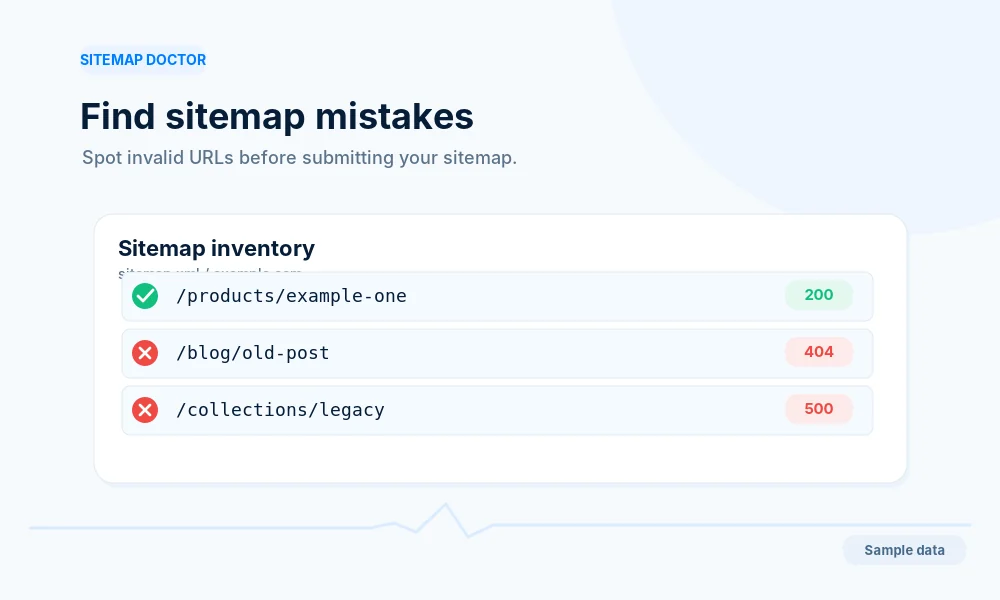
A sitemap that lists pages returning 404 or redirects sends search engines to dead ends. Crawvix tests the URLs it lists.

Read the guide

Broken links and redirect chains

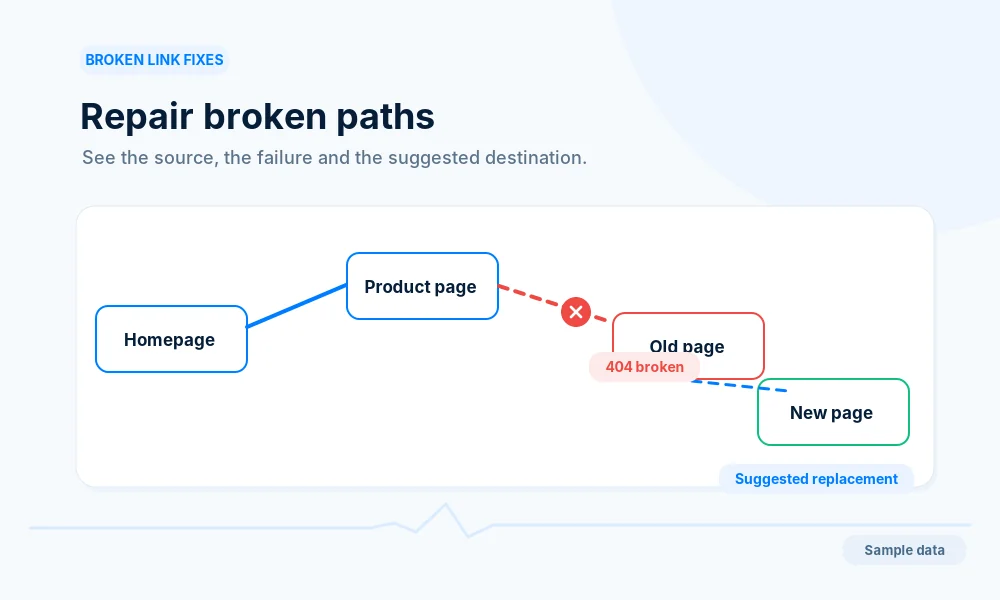
Visitors land on dead pages and long redirect chains slow everyone down. Crawvix lists each broken link with the page it is on.

Read the guide

Slow mobile pages

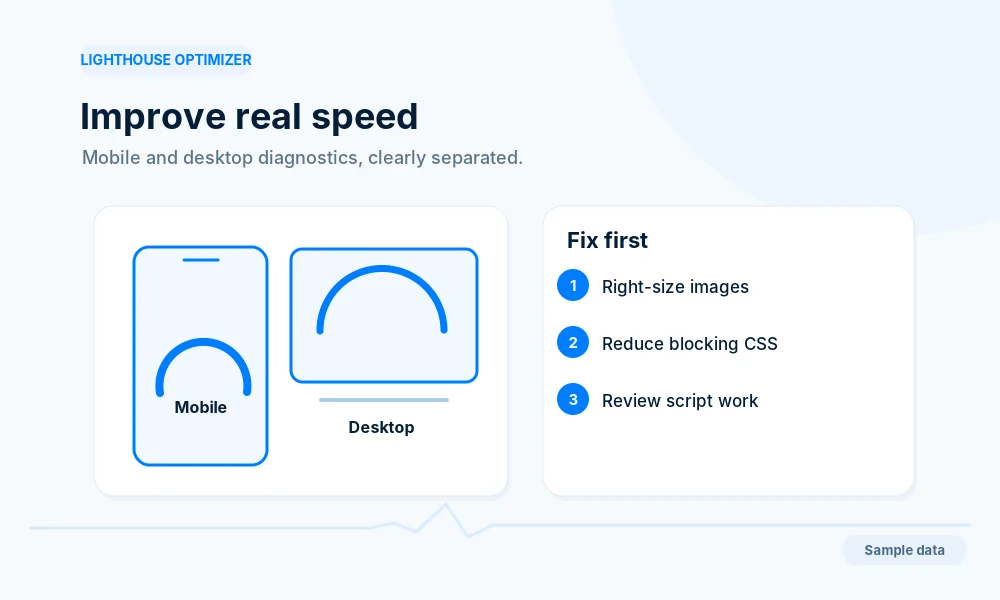
Crawvix reads the Lighthouse result for mobile and desktop and the Core Web Vitals: largest paint, layout shift and responsiveness.

Read the guide

Missing email records

Without SPF, DKIM and DMARC, your mail is easier to fake and more likely to land in spam. Crawvix looks each record up.

Read the guide

Missing security headers

Content-Security-Policy, clickjacking protection, Referrer-Policy and more. Crawvix checks which ones your site sends.

Read the guide

How it works

Four steps, with evidence for every check.

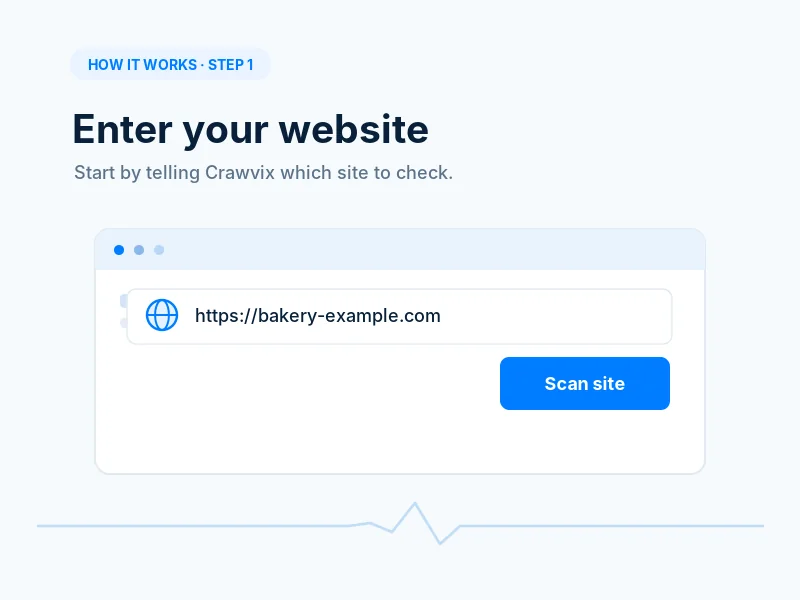
  1. Example step 1: a box where you enter your website address, with a Scan site button
    Add your websiteType your address. We show how we read it before anything is requested from your site.
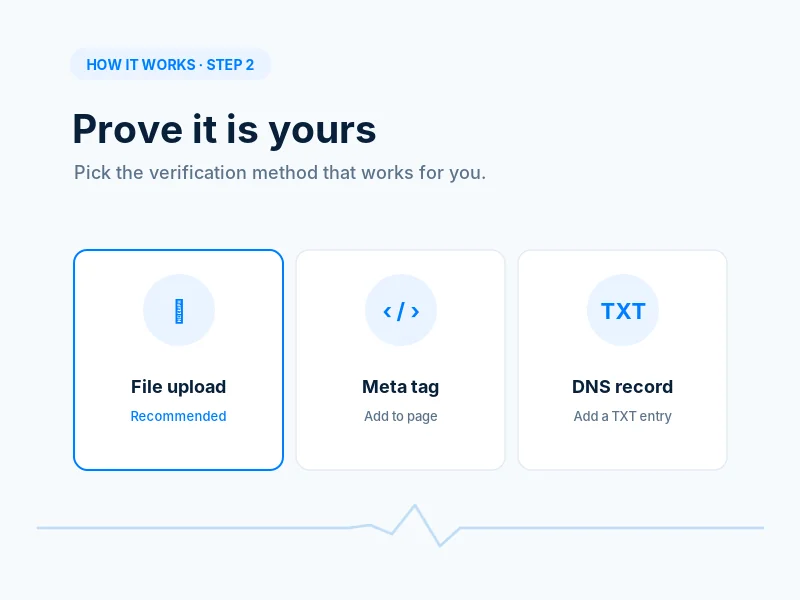
  2. Example step 2: three ways to prove you own the site, file upload (recommended), meta tag or DNS record
    Prove it is yoursUpload one small file, add a meta tag or add a DNS record. We never scan a site you have not proved you own.
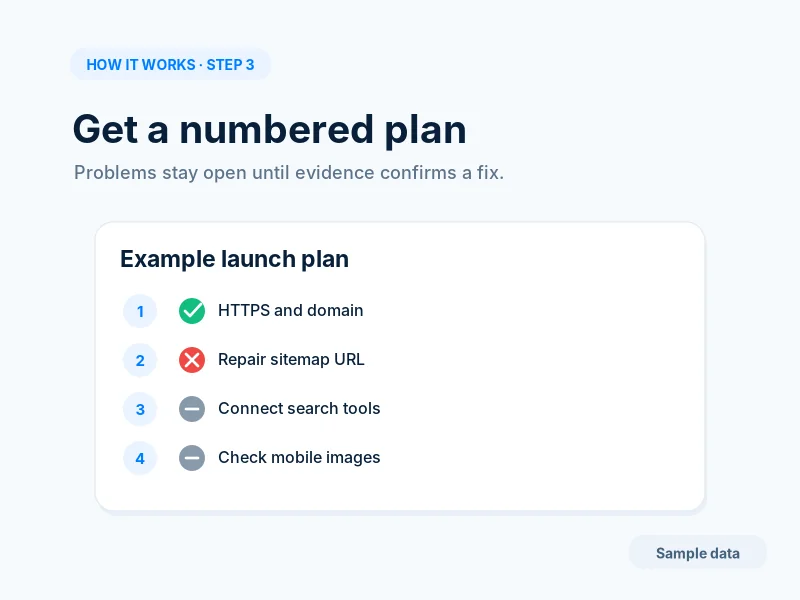
  3. Example step 3: a numbered launch plan with one passed item, one failing item and two not checked yet. Sample data.
    Get your numbered planThe checks become a Launch Plan in 4 phases. Each step says what to do, why, and shows its evidence.
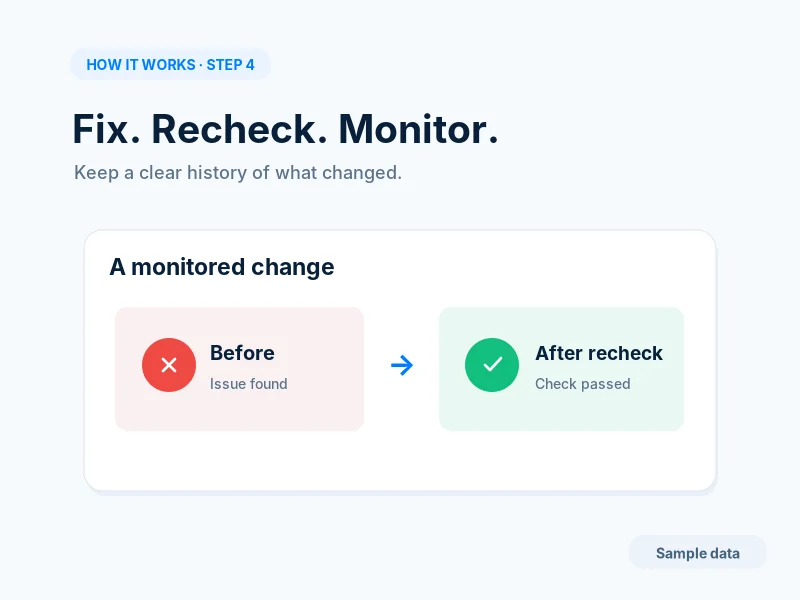
  4. Example step 4: a monitored change shown before, issue found, and after recheck, check passed. Sample data.
    Fix, recheck, keep watchingFollow the plain-English steps, press Check it, and get alerted if something breaks again.

EXAMPLE Pictures of an example walk-through with sample data. They are not a real result.

Everything your website needs

From setup to monitoring, Crawvix guides you through every step.

Lighthouse Optimizer

Find and fix performance issues on mobile and desktop.

Read the guide

Google & Bing Setup

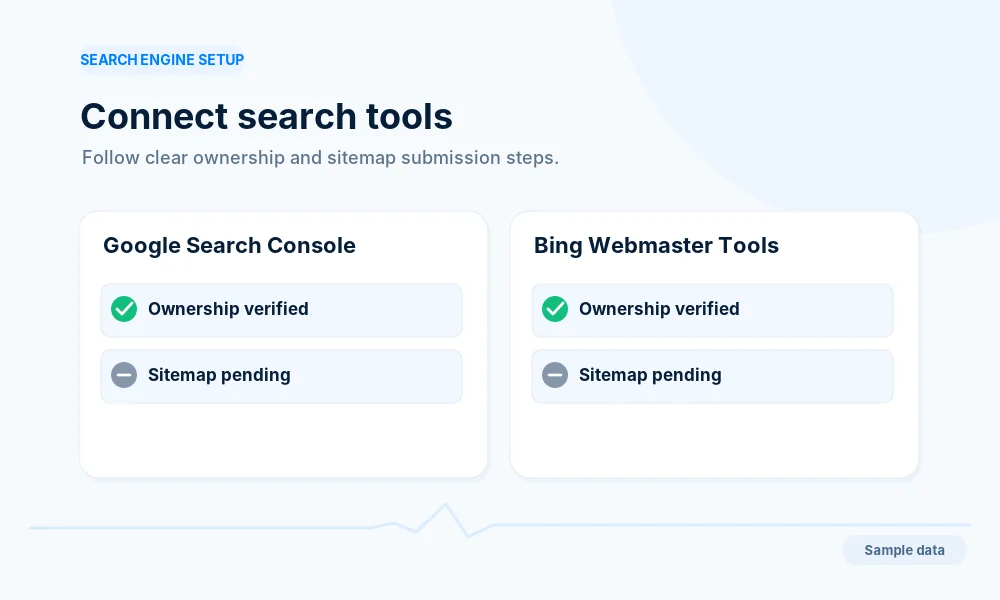
Submit your site, verify ownership and monitor indexing.

Read the guide

Sitemap Doctor

Find errors, generate clean XML sitemaps and submit them.

Read the guide

Broken Links

Detect and fix broken links, redirects and missing pages.

Read the guide

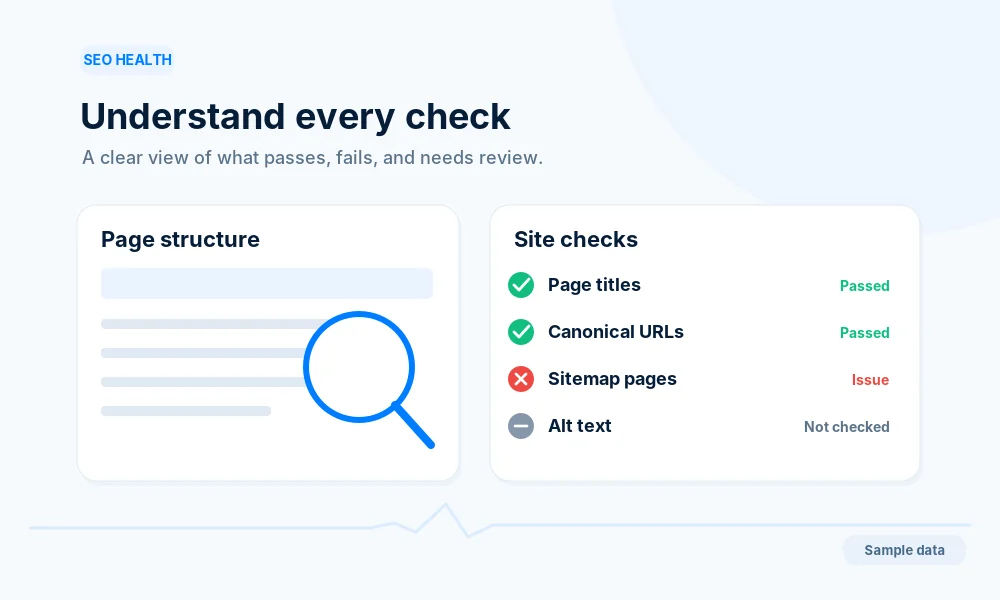
SEO Health Check

Titles, meta descriptions, headers, images and structured data.

Read the guide

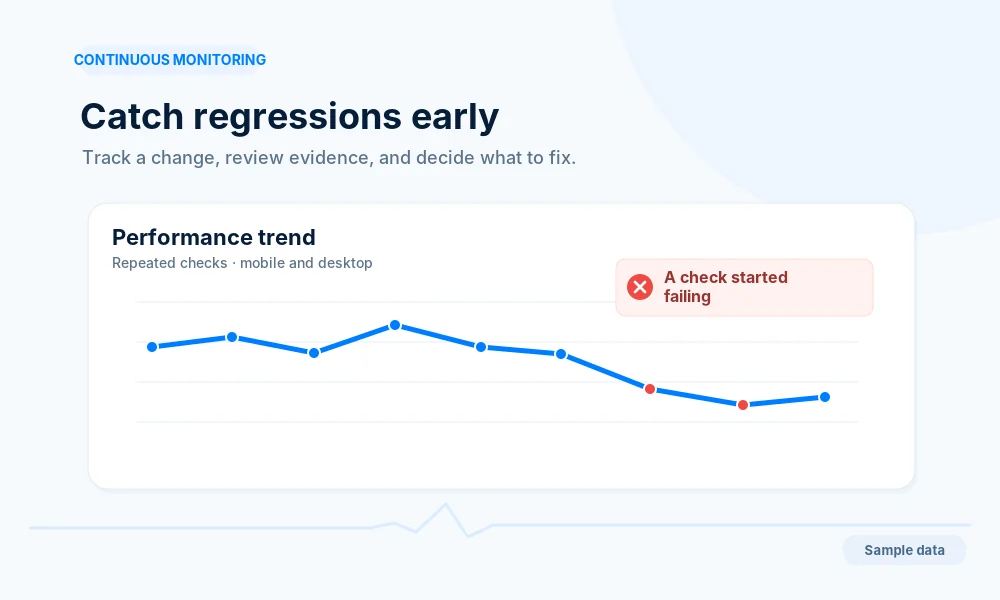
Continuous Monitoring

Get alerts when new issues appear after updates or changes.

All features

EXAMPLE Card artwork shows example values, not real results.

What you get

Some of it is open to everyone now. The rest is part of the paid plans.

Open to everyone

  • 133 step-by-step guides on indexing, sitemaps, speed, email and security
  • The free sample for sites you own: see how many checks pass and up to three findings

With a plan

  • A numbered Launch Plan in 4 phases for each website
  • 115 checks in 10 areas, every finding with its evidence
  • 117 fix recipes for WordPress, Cloudflare, ASP.NET or IIS, Wix, Squarespace, Shopify and any other host
  • Rechecks, broken-link lists and exports
  • Email support at info@crawvix.com

Your launch, mapped from start to finish

Add a site, prove it is yours, and get a numbered Launch Plan: 4 phases of numbered steps, each with exact instructions and a check that shows evidence.

See the Launch Plan

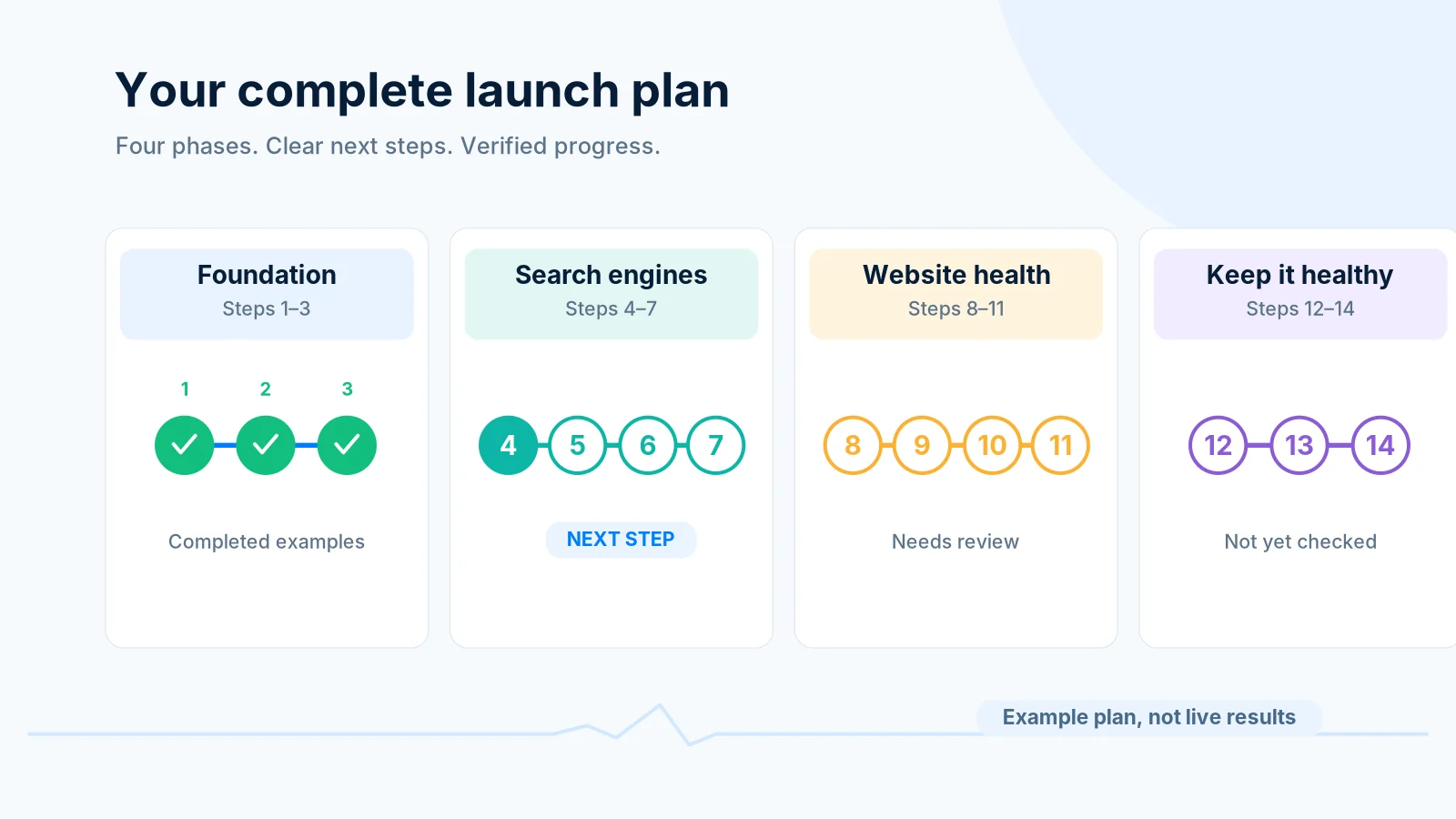
Example launch plan in four phases, with the next step highlighted
EXAMPLE Illustration of a plan layout, not a real audit result.

Free sample for sites you own

Prove that a website is yours with one small file, a meta tag or a DNS record, and see how many checks pass and up to three things worth fixing. The fixes, the evidence and the full Launch Plan are part of a paid plan. We never scan a site you have not proved you own.

Start the sample

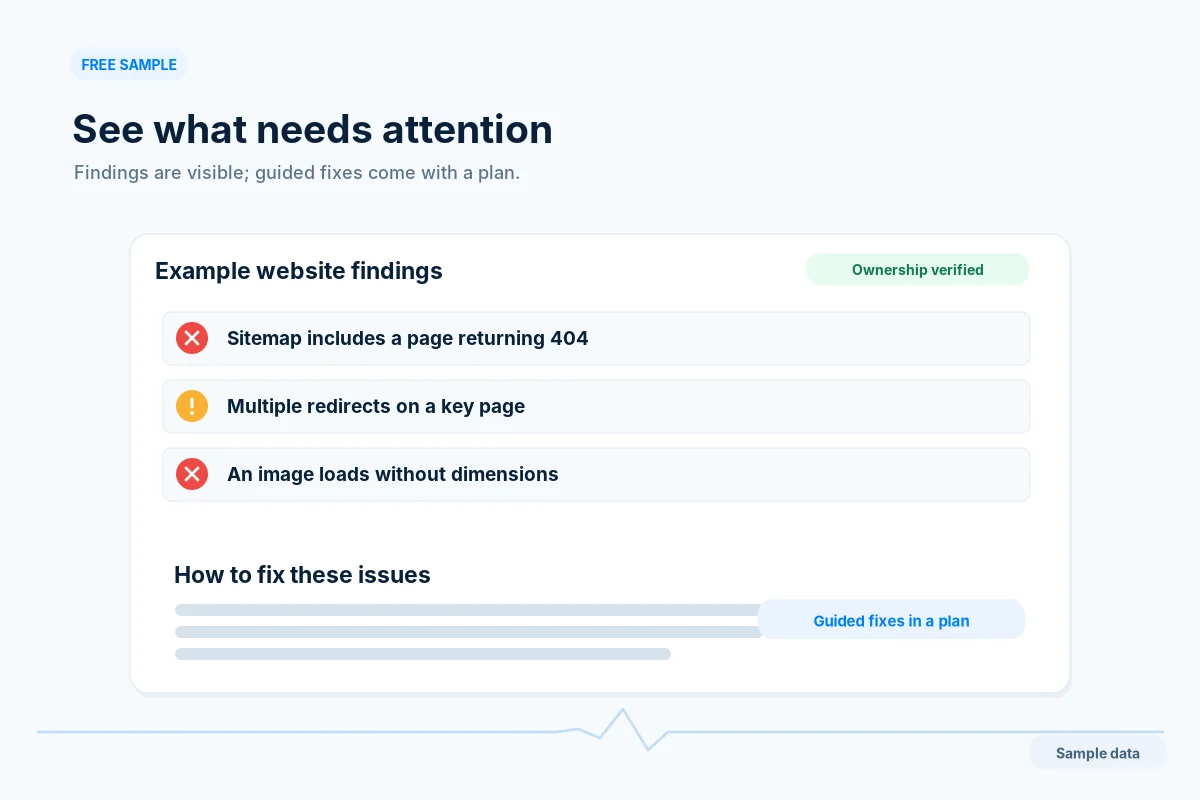
Example sample result: three findings shown by title, with the fix steps blurred behind a plan lock
EXAMPLE Illustration of the sample result. No site has been scanned.

A look at the plan and the report DEMO

Illustrations with example values. Real reports show measured results with device and time labels.

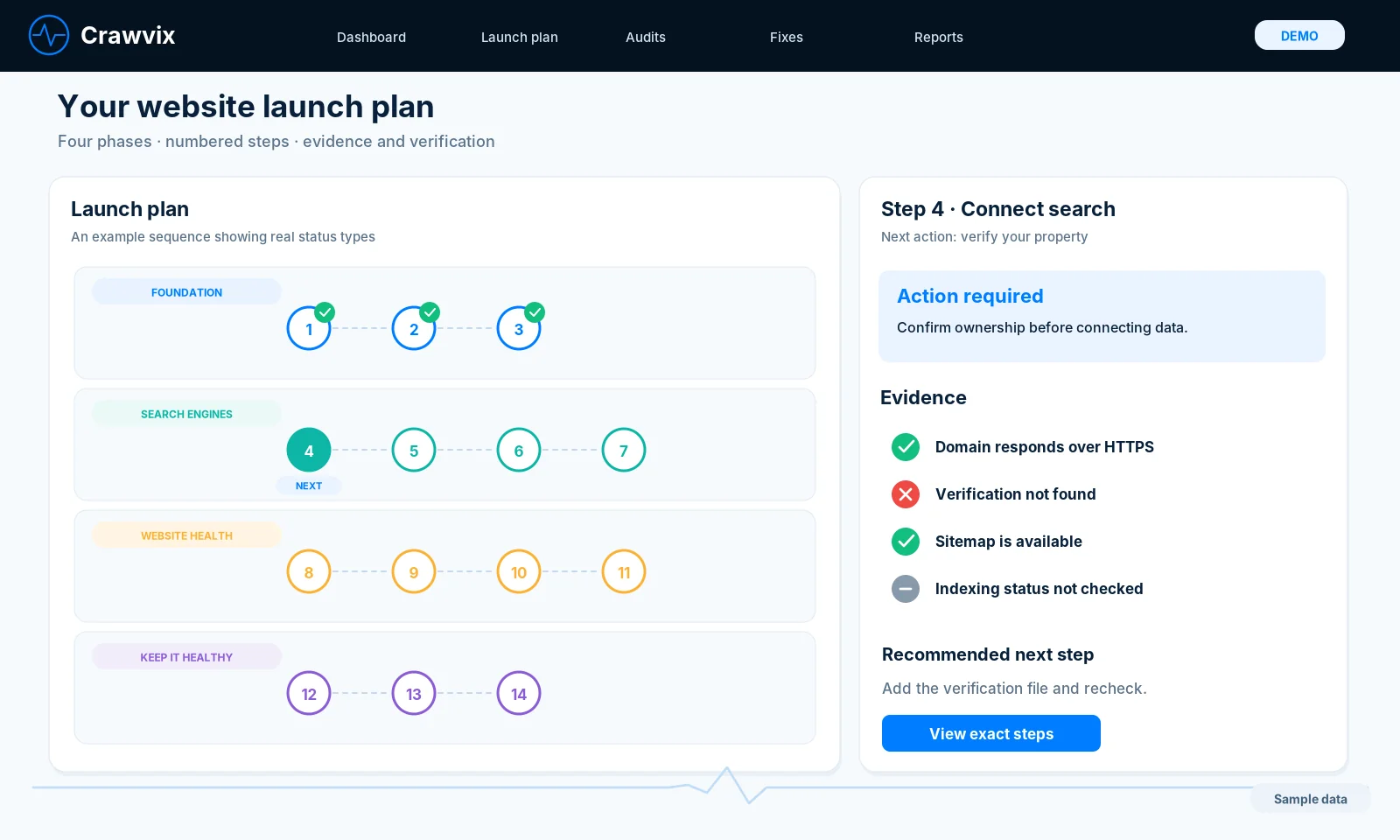
Illustration of the Launch Plan screen: four phases of numbered steps, with one step's evidence and its next action. Demo data.
DEMO The Launch Plan screen, with invented example values.
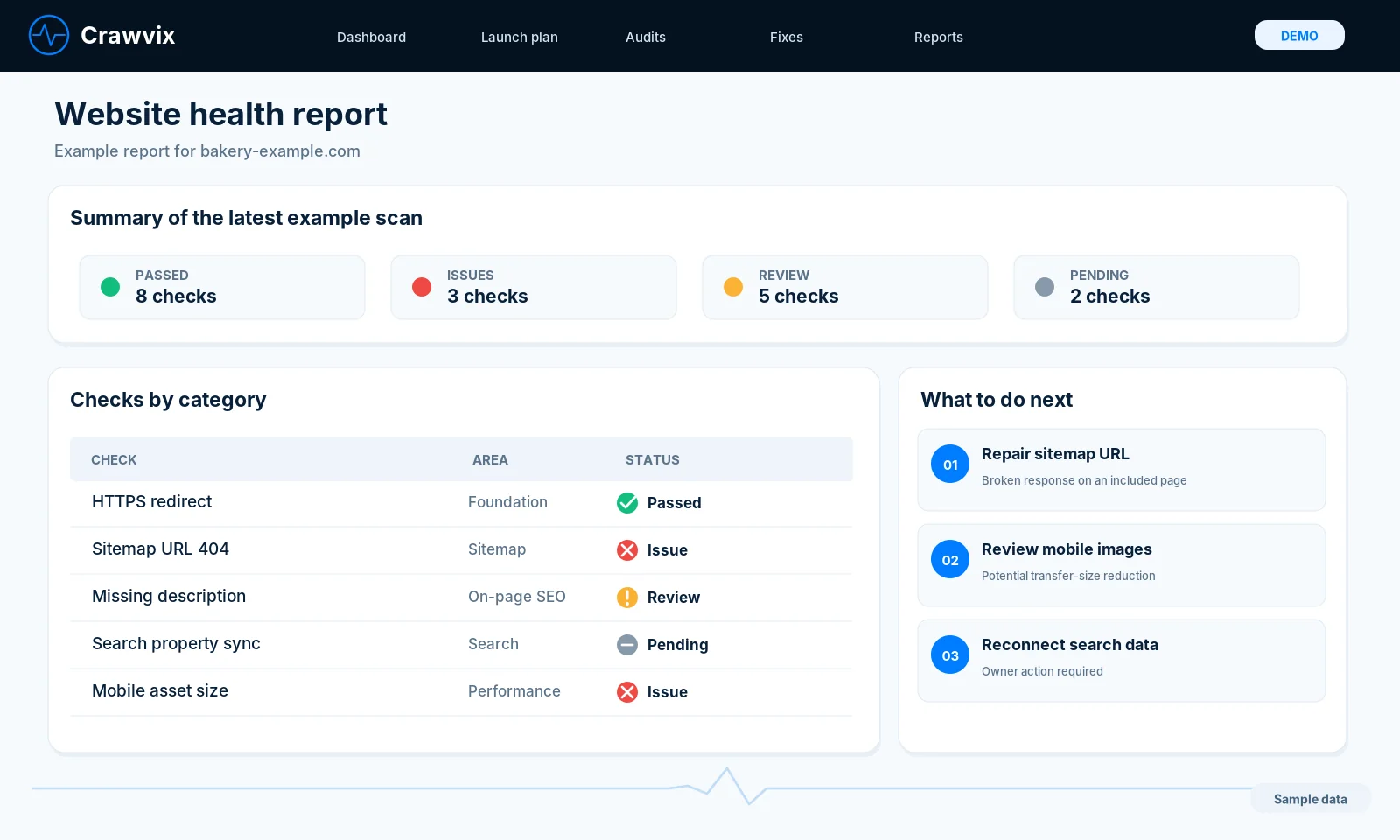
Illustration of a website health report: counts of passed checks, issues, items to review and pending checks, a table of checks by category and three next steps. Demo data.
DEMO The report screen, with invented example values.

Questions

Will this get my site indexed by Google?

No tool can promise indexing. Crawvix finds and helps fix the problems that commonly block it, and shows the evidence.

Can I reach 100 on Lighthouse?

Many sites can improve a lot, but scores vary by run and device. We report measured values and never promise a specific score.

Does Crawvix change my website?

No. Crawvix reads your site and tells you what to change. You make the change, then press Check it to run the same check again.

What does it cost?

Crawvix is a paid service. Plans start at $29 a month and every site needs an active plan for a full scan and its Launch Plan. The one exception is a limited Free sample for sites you own: you prove a site is yours and see up to three findings, without the fixes. Plans open soon. Accounts are open, but checkout is not open yet. Email info@crawvix.com and we will tell you when it is. See the sample and pricing.

How does the sample work?

You enter your address and prove that you own the site. We then look at up to 25 pages and show how many checks pass and up to three findings. A result is kept for 14 days, and a site can have one sample every 30 days.

Which platforms do the fix recipes cover?

There are 117 recipes for WordPress, Cloudflare, ASP.NET or IIS, Wix, Squarespace, Shopify and any other host. Each recipe lists what you need, the risk, the time it takes and how to check that it worked.

Is the product available now?

The guides and the free sample for sites you own are available now, and accounts are open. Plans are not open for purchase yet. Email info@crawvix.com and we will tell you when they are.

Know what is holding your site back

Start with what is open today. Prove a site is yours and see where it stands.

Plans open soon. Accounts are open, but checkout is not open yet. Email info@crawvix.com and we will tell you when it is.