
 Crawvix Editorial Team
· Published October 28, 2026 · Last updated October 27, 2026 · 2 min read
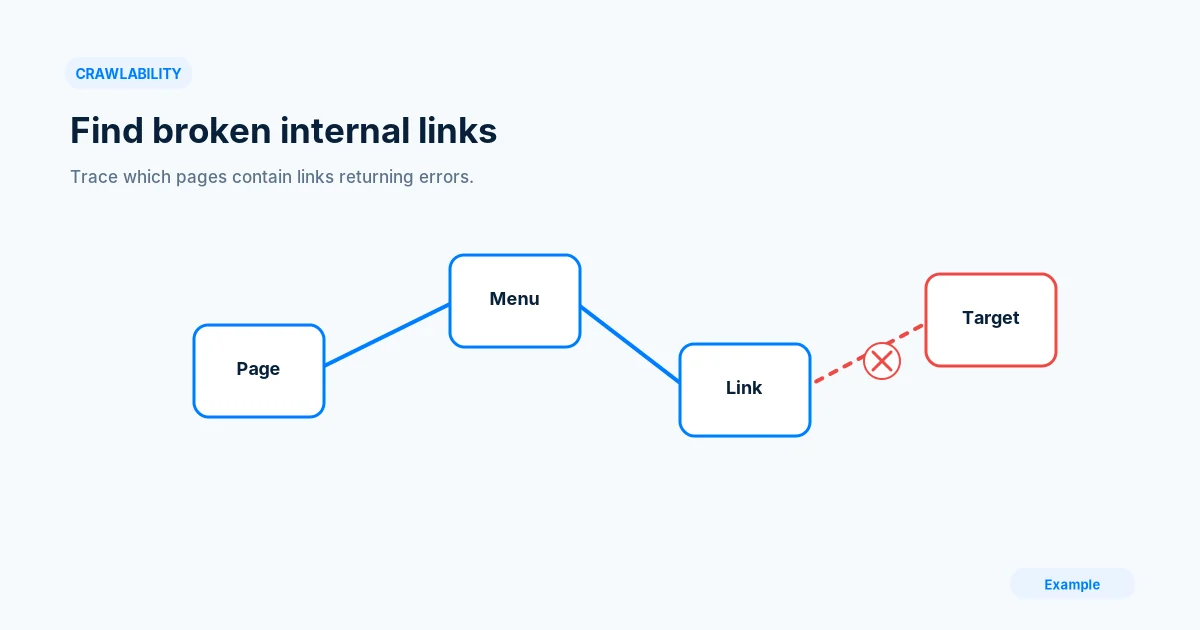
Broken internal links frustrate visitors and hinder navigation. A useful site-wide audit finds the originating link, intended destination and shared template responsible for the failure.
Before you begin
You will need access to the website or account involved, a list of important public URLs, and permission to make the relevant changes. Save a backup of configuration before editing DNS, server rules, source code or search settings. A successful check means the specified condition was verified—not that Google or Bing will index or rank the page.
Step-by-step instructions
Step 1: Crawl approved public pages
Use a crawler with reasonable limits and read all in-scope anchor links from public pages. Record source URL, link text, destination and status.
What success looks like: Every reported failure has a source page.
Step 2: Group by shared origin
Separate links in global navigation, footers, card templates and individual articles. One bad shared template can cause thousands of apparent duplicate findings.
What success looks like: You identify the root cause, not just the failing count.
Step 3: Classify each destination
Determine whether the linked route was removed, renamed, redirected or temporarily failing. For external links, distinguish access blocks from genuine 404s.
What success looks like: Each issue has a reliable resolution category.
Step 4: Repair links at source
Change internal anchors to the correct canonical URL, restore expected routes where needed and remove links with no replacement. Keep contextual anchor text understandable.
What success looks like: Users reach the intended content directly.
Step 5: Test the entire navigation
Re-crawl changed templates, follow mobile menus and check related-content blocks. Monitor after deployments that alter routes or slugs.
What success looks like: No broken internal links remain in the tested scope.
Final verification checklist
Every reported failure has a source page.
You identify the root cause, not just the failing count.
Each issue has a reliable resolution category.
Users reach the intended content directly.
No broken internal links remain in the tested scope.
Common mistakes to avoid
Fixing redirects without updating hundreds of hardcoded links.
Assuming external 403 always means a broken page.
Ignoring shared footer or header links.
Frequently asked questions
Are all 404 links an SEO emergency?
Prioritize links that affect important user journeys and high-value pages.
Will a crawler find links behind authentication?
Not by default; private areas require separate authorized testing and security safeguards.
Related guides
Official references
https://developers.google.com/search/docs/crawling-indexing/links-crawlable
https://developers.google.com/search/docs/crawling-indexing/troubleshoot-crawling-errors
Next step: See how Crawvix checks a website and capture a baseline once scanning opens. This guide provides technical information, not a guarantee of rankings, 100-point Lighthouse scores or index inclusion.