
 Crawvix Editorial Team
· Published October 28, 2026 · Last updated October 27, 2026 · 3 min read
Crawvix Editorial Team
· Published October 28, 2026 · Last updated October 27, 2026 · 3 min read
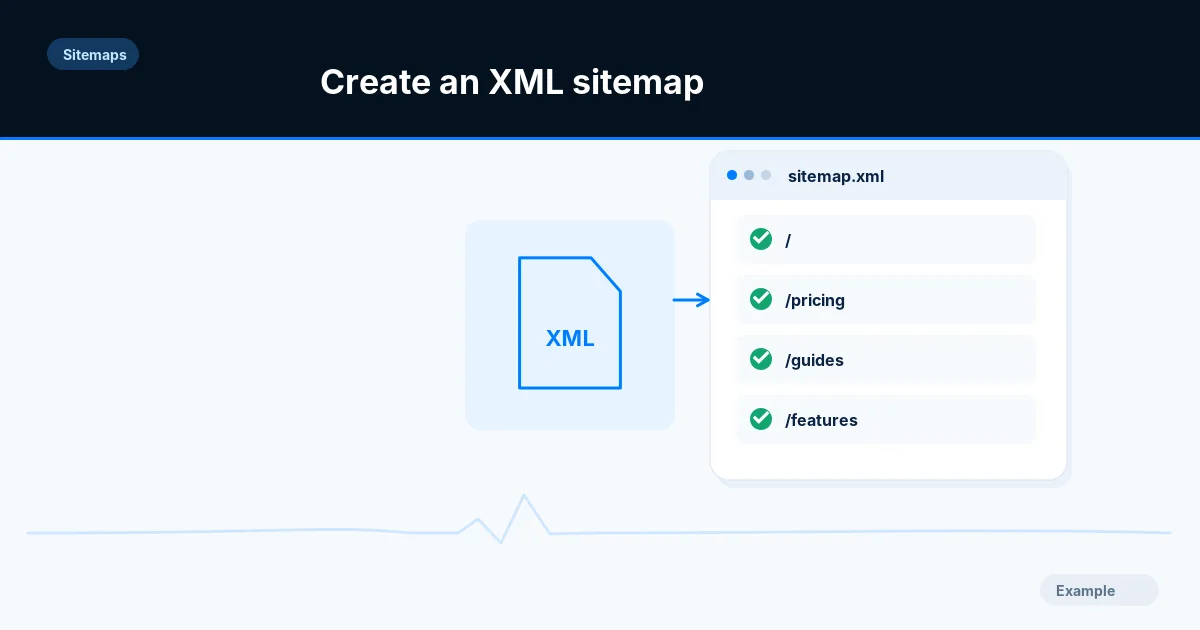
An XML sitemap identifies preferred URLs for search engine discovery. A good sitemap is a curated list of canonical, indexable pages—not an export of every possible URL your server can produce.
Before you begin
You will need access to the website or account involved, a list of important public URLs, and permission to make the relevant changes. Save a backup of configuration before editing DNS, server rules, source code or search settings. A successful check means the specified condition was verified—not that Google or Bing will index or rank the page.
Step-by-step instructions
Step 1: Inventory actual pages
Export published public URLs from your CMS, route registry or database. Include canonical pages with substantial content and exclude private accounts, temporary search results and nonindexable filters.
What success looks like: Each candidate URL corresponds to a real page visitors can reach.
Step 2: Remove conflicts
For every candidate, inspect HTTP status, redirects, noindex and canonical declarations. Remove broken, redirecting, duplicate and deliberately excluded URLs before generating XML.
What success looks like: Your final URL list is consistent with signals present on the actual page.
Step 3: Generate compliant XML
Create a UTF-8 sitemap using the standard sitemap namespace and absolute HTTPS URLs. Include lastmod only when you know a page actually changed in a meaningful way.
What success looks like: The XML parser accepts the file and its URLs are absolute.
Step 4: Respect size boundaries
Keep each sitemap at or below 50,000 URLs and 50 MB uncompressed. If either limit is exceeded, split by stable page type or category and create a sitemap index.
What success looks like: No file exceeds the protocol limit.
Step 5: Publish and recheck
Host the sitemap at a public URL, return HTTP 200 with valid XML, reference it from robots.txt if desired, and submit it to Search Console and Bing.
What success looks like: The published URL can be fetched and parsed anonymously.
Final verification checklist
Each candidate URL corresponds to a real page visitors can reach.
Your final URL list is consistent with signals present on the actual page.
The XML parser accepts the file and its URLs are absolute.
No file exceeds the protocol limit.
The published URL can be fetched and parsed anonymously.
Common mistakes to avoid
Listing redirected or 404 URLs.
Setting every lastmod to today on every build.
Creating files beyond size limits or serving HTML errors as XML.
Frequently asked questions
Is a sitemap required?
Not strictly for every small website, but a correct sitemap is valuable for discovery and diagnostics.
Does sitemap order affect Google?
Google says the order of URLs does not matter.
Related guides
Official references
Next step: See how Crawvix checks a website and capture a baseline once scanning opens. This guide provides technical information, not a guarantee of rankings, 100-point Lighthouse scores or index inclusion.