
 Crawvix Editorial Team
· Published October 28, 2026 · Last updated October 27, 2026 · 2 min read
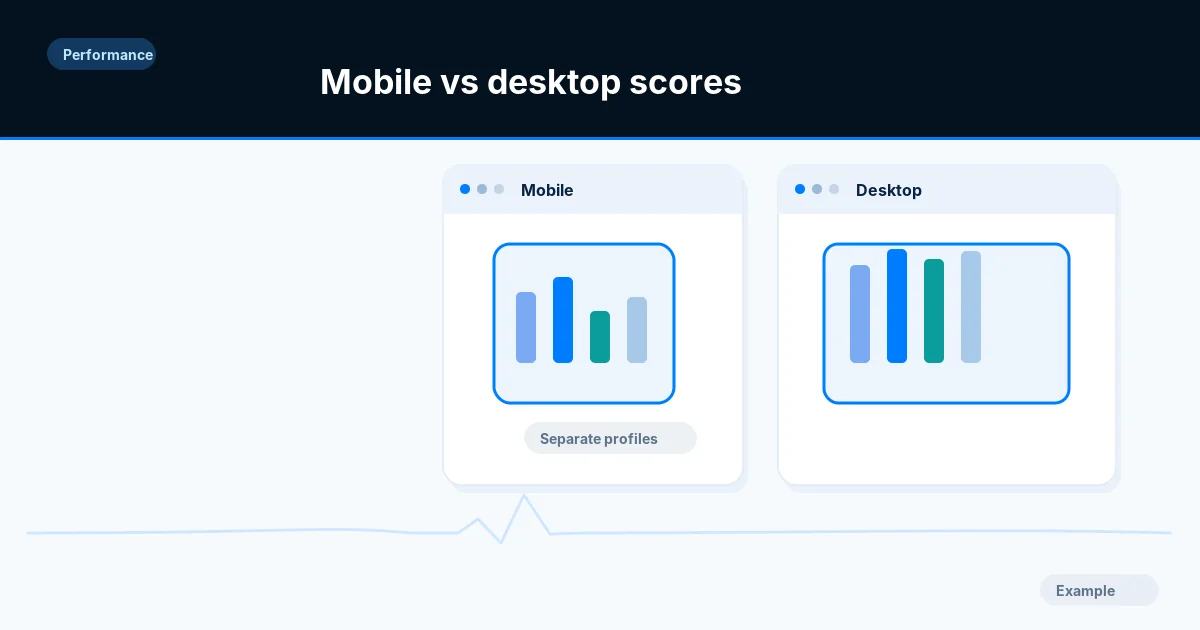
Mobile performance and desktop performance are different test profiles. A lower mobile score is common and should trigger focused investigation of network conditions, CPU work and responsive assets.
Before you begin
You will need access to the website or account involved, a list of important public URLs, and permission to make the relevant changes. Save a backup of configuration before editing DNS, server rules, source code or search settings. A successful check means the specified condition was verified—not that Google or Bing will index or rank the page.
Step-by-step instructions
Step 1: Create like-for-like mobile tests
Run repeated Lighthouse mobile tests for the same page and environment, record device profile and timestamp, and compare only equivalent mobile runs.
What success looks like: You have a stable mobile baseline.
Step 2: Inspect the mobile layout
Look for oversized hero images, hidden desktop elements still downloading, slow menu initialization and costly mobile-specific scripts.
What success looks like: You can name concrete mobile bottlenecks.
Step 3: Check network priorities
Examine LCP request timing, font downloads and third-party scripts on mobile throttling. Verify srcset and sizes are selecting the correct assets.
What success looks like: The mobile network waterfall reflects appropriate payloads.
Step 4: Reduce main-thread work
Inspect JavaScript long tasks, hydration and browser rendering costs. Optimize one bottleneck at a time, preserving mobile navigation and form behavior.
What success looks like: A measured task or payload shrinks.
Step 5: Test real phones where possible
Check tap targets, viewport settings, keyboard navigation and real-user field trends separately from lab data.
What success looks like: Mobile users experience genuine improvements without hidden regressions.
Final verification checklist
You have a stable mobile baseline.
You can name concrete mobile bottlenecks.
The mobile network waterfall reflects appropriate payloads.
A measured task or payload shrinks.
Mobile users experience genuine improvements without hidden regressions.
Common mistakes to avoid
Comparing a desktop 90 with a mobile 60 as if conditions matched.
Optimizing only screenshots while breaking touch controls.
Shipping desktop media on mobile through CSS hiding alone.
Frequently asked questions
Does Google use my Lighthouse mobile score directly for ranking?
There is no simple one-to-one relationship between an individual lab score and ranking.
Should I optimize mobile before desktop?
Prioritize the devices your visitors use and the most serious measured issues; mobile is often the harder performance case.
Related guides
Official references
Next step: See how Crawvix checks a website and capture a baseline once scanning opens. This guide provides technical information, not a guarantee of rankings, 100-point Lighthouse scores or index inclusion.