Soft 404 Errors: How to Find and Fix Them in Search Console
Find soft 404 pages in Search Console, test what your server really returns, and fix them with a true 404, richer content or a SPA workaround.

Practical, step-by-step website launch and SEO health guides.
Showing 49 to 72 of 297 guides (page 3 of 13)
Find soft 404 pages in Search Console, test what your server really returns, and fix them with a true 404, richer content or a SPA workaround.
Add hreflang annotations in HTML, HTTP headers or a sitemap, with return links, valid language and region codes and an x-default fallback, then verify them.
Compare country domains, subdomains and subdirectories for a multilingual site, weigh the trade-offs, and set up the structure you choose with hreflang.
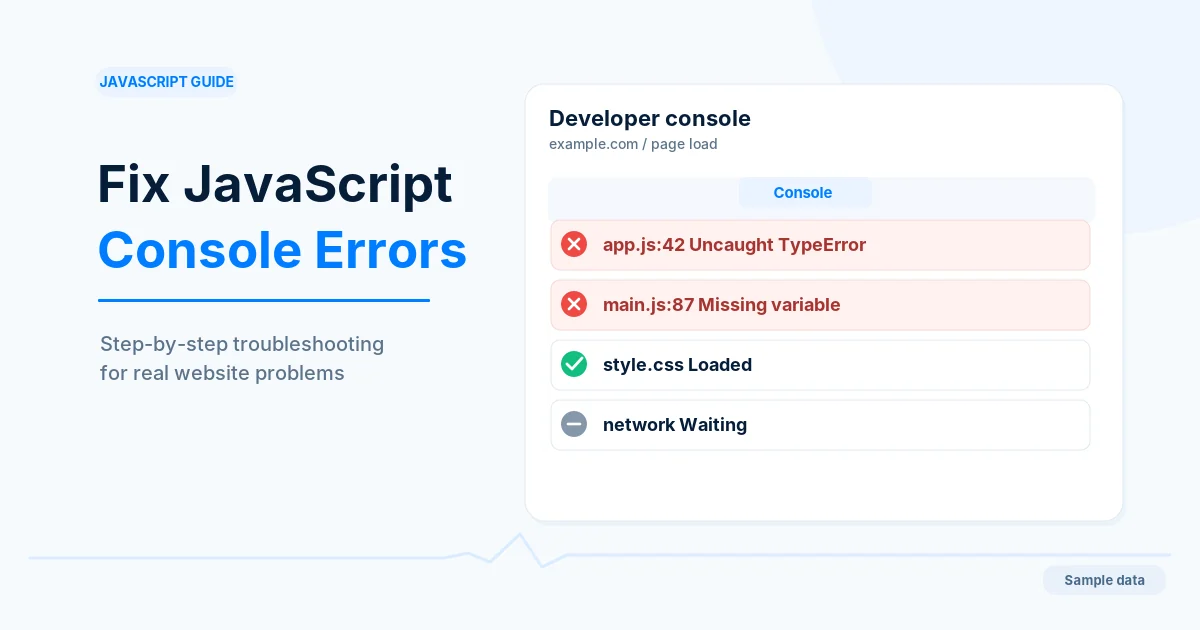
Open the browser console, tell your errors from extension and third-party noise, and fix the causes of errors logged when a page loads.
Add paginated URLs, real links and History API updates under an infinite scroll feed so search engines can reach every item, and test it in Search Console.
Understand how Google crawls, renders and indexes JavaScript pages, compare server and client rendering, and test what a crawler actually sees.
React SEO for single-page apps: find out what crawlers receive, fix empty HTML, real links, per-route titles and soft 404s, and choose a rendering route.
Server-side rendering vs client-side rendering SEO compared: what each sends to crawlers, the speed trade-offs, and how to choose and test per page type.
A week-by-week plan for the first month after a website launch: which Search Console reports to read, what is normal, and which problems to fix first.
Move to a new domain step by step: verify both properties, map and redirect every URL with 301s, use Change of Address and keep the old domain active.
Understand DNS propagation and TTL, lower the TTL before a move, and compare answers from your DNS host and public resolvers to see when a change has landed.
Learn what A, AAAA, CNAME, MX and TXT records do, set them up for a website launch, and check each one with dig before you send traffic.
Learn how to point a domain to hosting using an A record, a CNAME or new nameservers, pick the right method and confirm the change worked with dig.
Compare staging and production settings, find hardcoded test URLs, rehearse the cutover and run a one-hour smoke test so launch day shows no SEO surprises.
Protect a staging or test site with a password, a noindex header and clean URLs, then avoid launch-day leaks and clean up if staging pages were indexed.
Build a redirect map for website migration in a spreadsheet, send each old URL to one final page, bulk-test it before launch and verify it afterwards.
Run a technical SEO audit in a fixed order, from crawl access to speed and markup, record every finding in one sheet and rank the fixes by effort.
A technical SEO checklist grouped by area, with a one-minute way to check each item and what a pass looks like, for launches and regular reviews.
Work through a pre-launch technical SEO checklist covering indexing controls, redirects, HTTPS, metadata, mobile, performance, sitemaps and Search Console.
A website maintenance checklist for small sites: what to do monthly, quarterly and yearly for updates, backups, links, certificates, forms and search reports.
A phased checklist for site moves that change URLs: map old to new addresses, redirect with 301s, protect crawling, monitor Search Console and keep redirects.
Set up website uptime monitoring with real checks, useful alerts and a correct 503 maintenance page so outages are found and handled quickly.
Set up your Google Business Profile: check eligibility, claim and verify it, follow the name and address rules, pick categories and add photos.
How to get Google reviews the allowed way: create a review link or QR code, ask every customer, reply to reviews and report only real policy violations.