Search Engines guides
Practical, step-by-step website launch and SEO health guides.

Search Engines · 8 min read
Learn what each Bing Webmaster Tools report shows, from Search Performance and URL Inspection to Site Scan and AI Performance, and how to act on the findings.
Search Engines · 7 min read
Compare Search Console domain and URL-prefix properties, see which URLs each covers, and set up the right mix with the correct verification method.
Search Engines · 8 min read
Connect a Google Analytics 4 web data stream to Search Console, publish the two search reports and read clicks and sessions side by side without adding them.
Search Engines · 8 min read
Check the Manual actions report, understand what Google's reviewers flagged, fix every affected page and write a reconsideration request that gets reviewed.
Search Engines · 8 min read
Read the Search Console page indexing report: what each Not indexed reason means, which ones need a fix, and how to validate your changes.
Search Engines · 9 min read
Learn what clicks, impressions, CTR and average position really count in the Search Console performance report, and how to filter, export and compare the data.
Search Engines · 3 min read
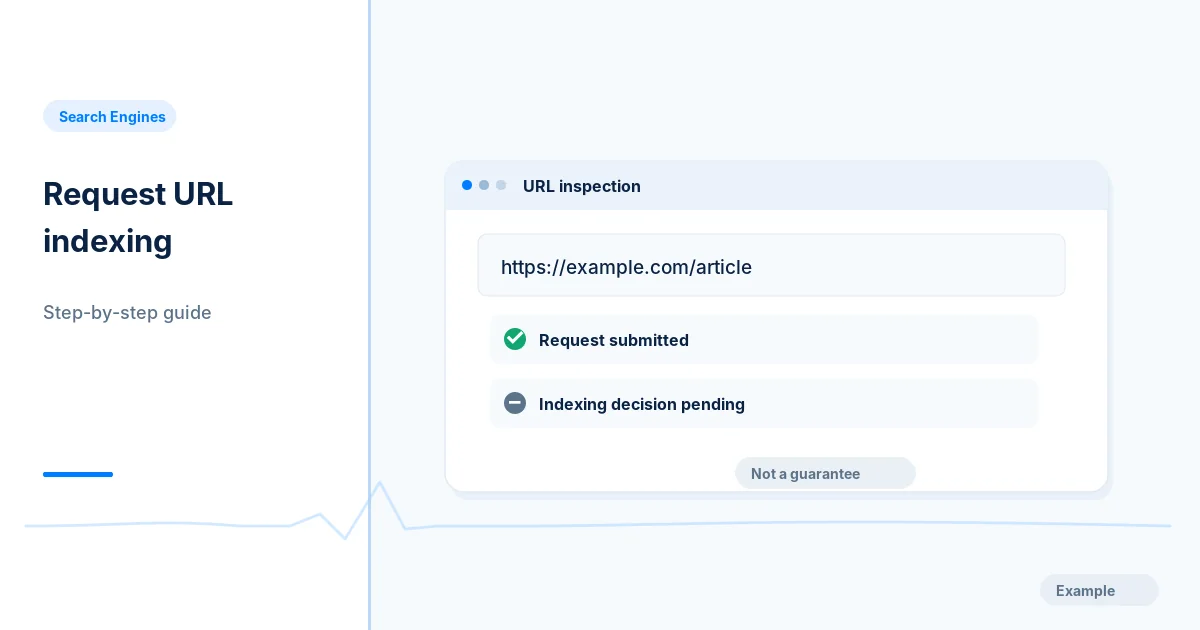
Use URL Inspection and Request Indexing for a new or fixed page, after checking eligibility, and follow up with evidence rather than repeat requests.
Search Engines · 8 min read
Fix Search Console ownership verification errors for the HTML file, meta tag, DNS record, Google Analytics and Tag Manager methods, and add a backup method.
Search Engines · 3 min read
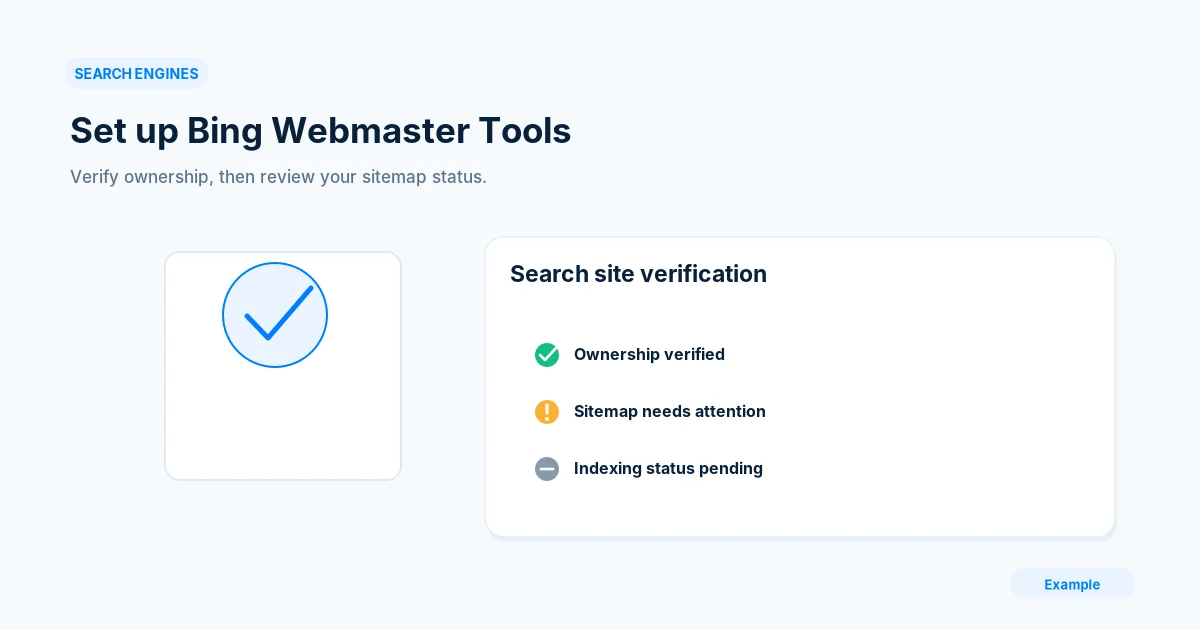
Add your site to Bing Webmaster Tools, verify ownership, submit a sitemap and set a weekly check, even if Google Search Console already works.
Search Engines · 3 min read
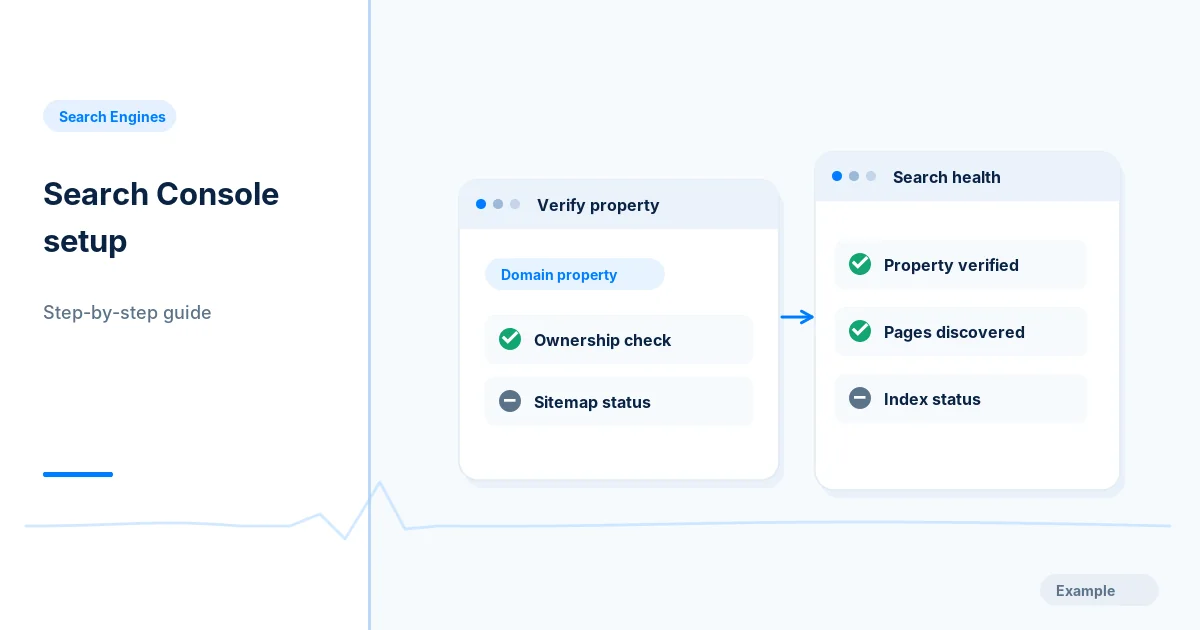
Add and verify your site in Google Search Console, inspect the home page, submit a sitemap and set up a simple routine for checking indexing reports.
Search Engines · 2 min read
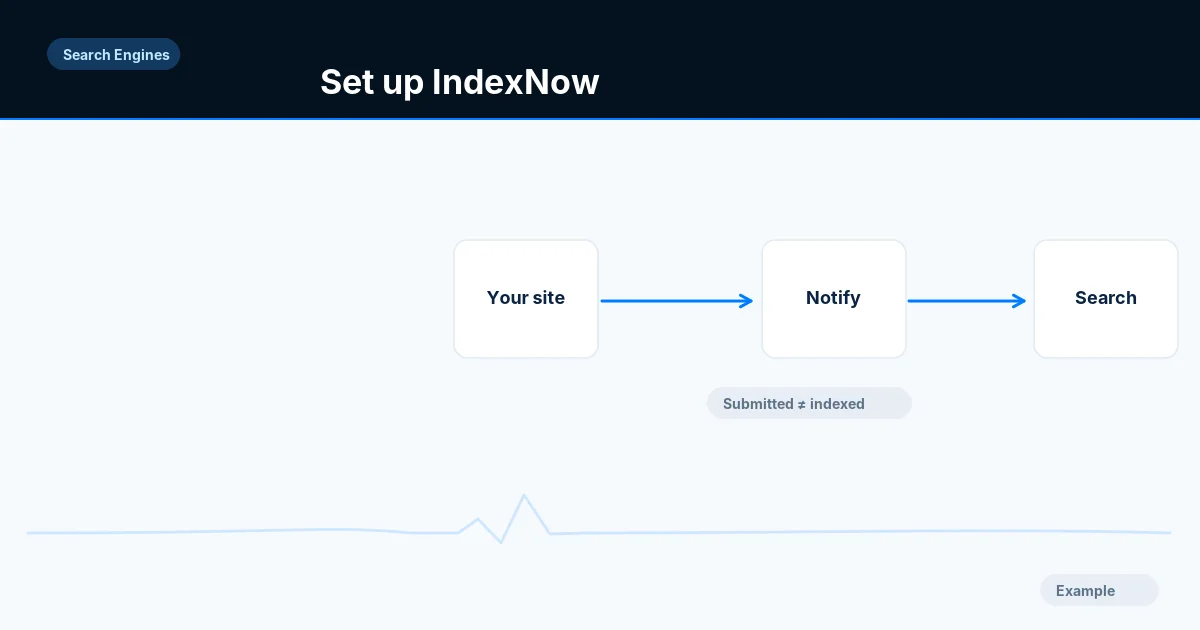
Set up IndexNow with a key file so Bing and other participating engines learn of changed URLs, and log responses without assuming indexing.
Search Engines · 8 min read
Use the Search Console URL Inspection live test and rendered HTML to check a page as Google fetches it, and learn which indexing problems it cannot detect.