What is TLS-RPT?
Understand TLS-RPT, the DNS record that asks other mail servers to report TLS delivery failures to you, and how it works alongside MTA-STS.

Practical, step-by-step website launch and SEO health guides.
Showing 241 to 264 of 297 guides (page 11 of 13)
Understand TLS-RPT, the DNS record that asks other mail servers to report TLS delivery failures to you, and how it works alongside MTA-STS.
Time to First Byte is how long a browser waits for the first piece of a response. See the 0.8 second target, what slows it down and how to measure it.
Interaction to Next Paint took over from First Input Delay in March 2024. See what changed, why Google switched and what to measure on your site now.
Find the address of your sitemap.xml with five quick checks: the default path, robots.txt, Search Console, common plugin names and your CMS settings.
Find out why website images show as broken: wrong paths, deleted files, blocked requests and mixed content. Follow a quick check to find and fix the cause.
The usual reasons contact form and order emails land in spam, from missing SPF, DKIM and DMARC to blocklisted IPs, and how to test and fix each one.
Slow Largest Contentful Paint usually comes from one of four delays. Find which part of your load is the longest and fix that part first.
Not sure whether your website address should start with www? Use this short checklist to choose, set the redirect and keep one consistent address.
Compare www and non-www addresses for search, DNS, cookies and CDNs, then learn how to pick one version and redirect the other without splitting your site.
Backlinks explained in plain English: how Google treats links, what a good link looks like, how to find yours in Search Console and earn them honestly.
Learn what each Bing Webmaster Tools report shows, from Search Performance and URL Inspection to Site Scan and AI Performance, and how to act on the findings.
Compare Search Console domain and URL-prefix properties, see which URLs each covers, and set up the right mix with the correct verification method.
Connect a Google Analytics 4 web data stream to Search Console, publish the two search reports and read clicks and sessions side by side without adding them.
Find out what the Google disavow tool really does, why most sites should leave it alone, the narrow cases where it applies and how to file a correct list.
Learn how Google Discover works, what makes a page eligible, which image and title rules apply, and how to read the Discover report in Search Console.
Check the Manual actions report, understand what Google's reviewers flagged, fix every affected page and write a reconsideration request that gets reviewed.
Read the Search Console page indexing report: what each Not indexed reason means, which ones need a fix, and how to validate your changes.
Learn what clicks, impressions, CTR and average position really count in the Search Console performance report, and how to filter, export and compare the data.
Remove every URL with a word or folder such as /post/ from Google: what inurl: really does, the Removals tool prefix option, and permanent fixes in bulk.
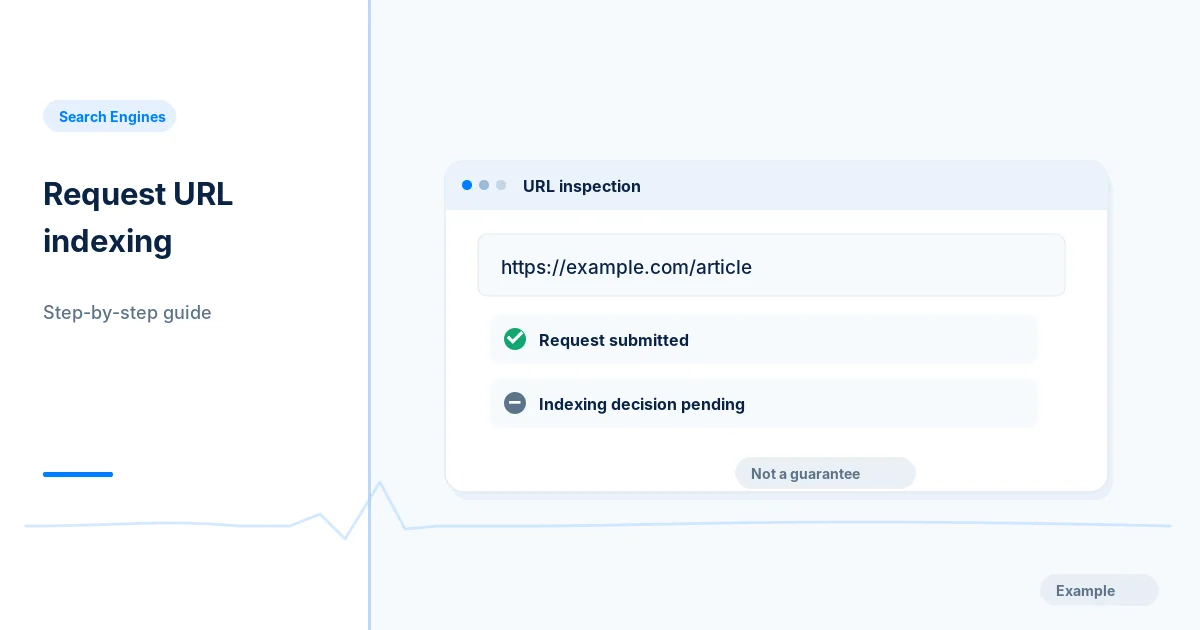
Use URL Inspection and Request Indexing for a new or fixed page, after checking eligibility, and follow up with evidence rather than repeat requests.
Add a user in Search Console with the right permission level, remove people cleanly including their verification tokens, and check who has access.
Read the Search Console crawl stats report: host status, response codes, file types and crawl purpose, and which patterns point to a real crawling problem.
Use the Search Console links report to see top linked pages, linking sites, anchor text and internal links, export the data and understand its limits.
Fix Search Console ownership verification errors for the HTML file, meta tag, DNS record, Google Analytics and Tag Manager methods, and add a backup method.